

iOS and Android.
Same repo, same types.
Every project the CLI creates includes an Expo app in the same monorepo: your theme on its screens, your backend's types in its calls.
Aether
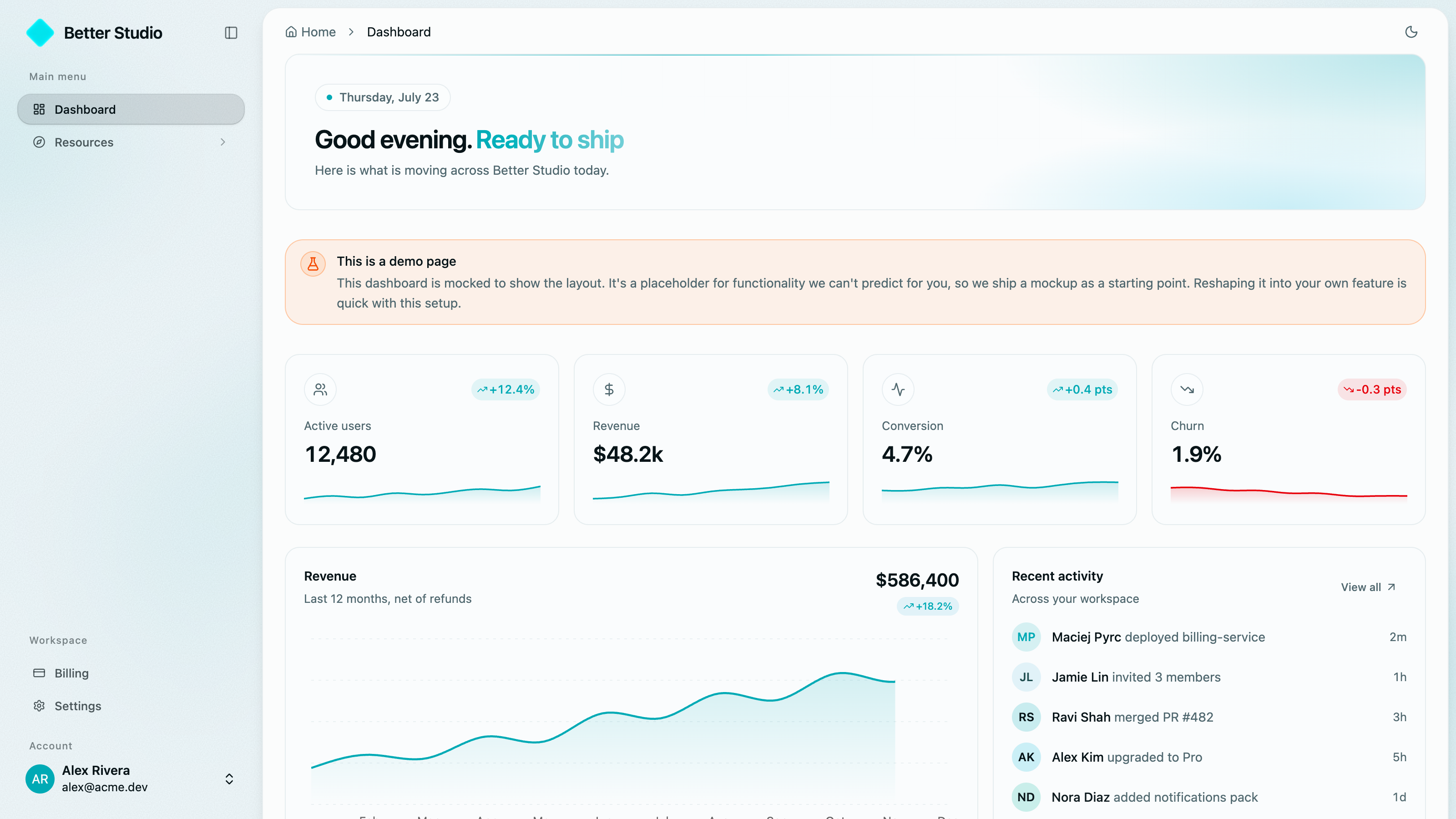
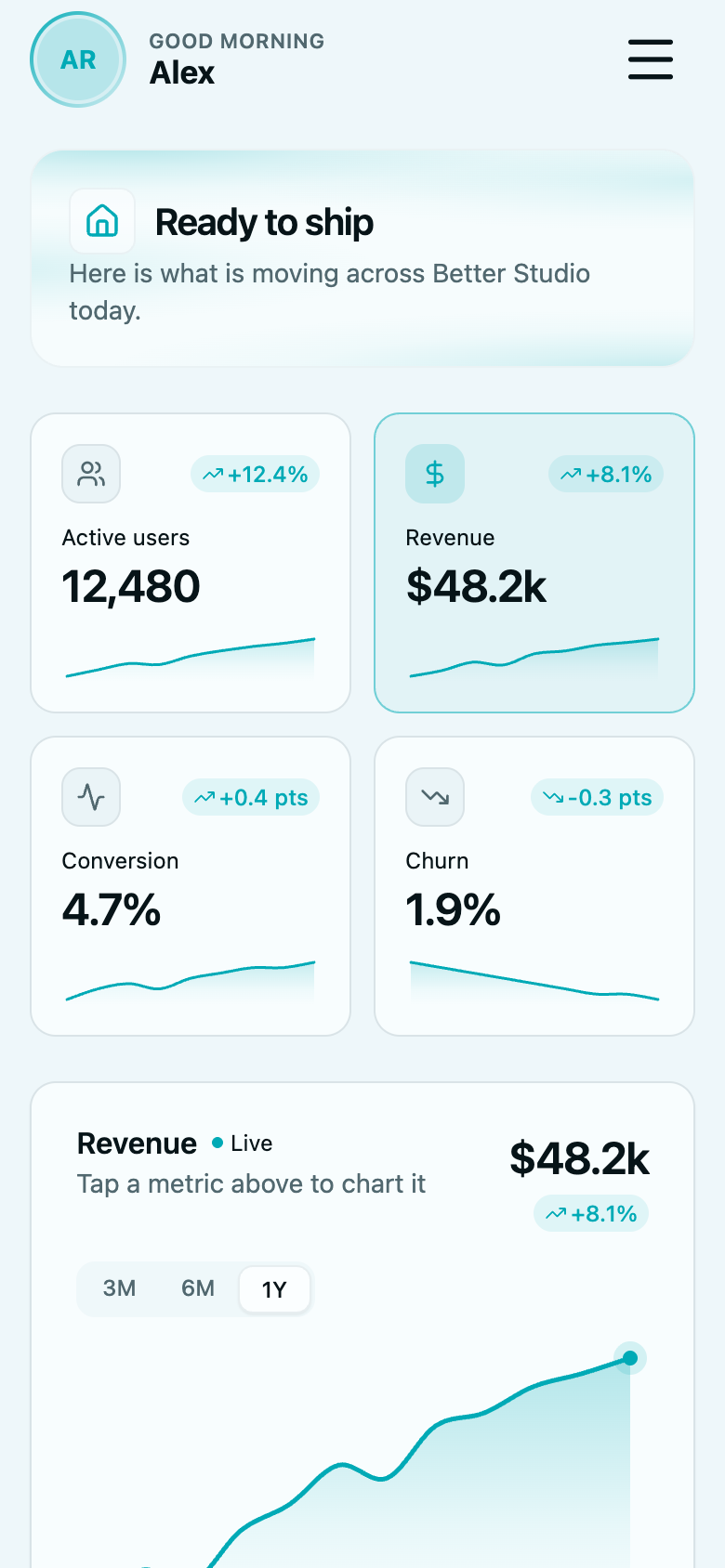
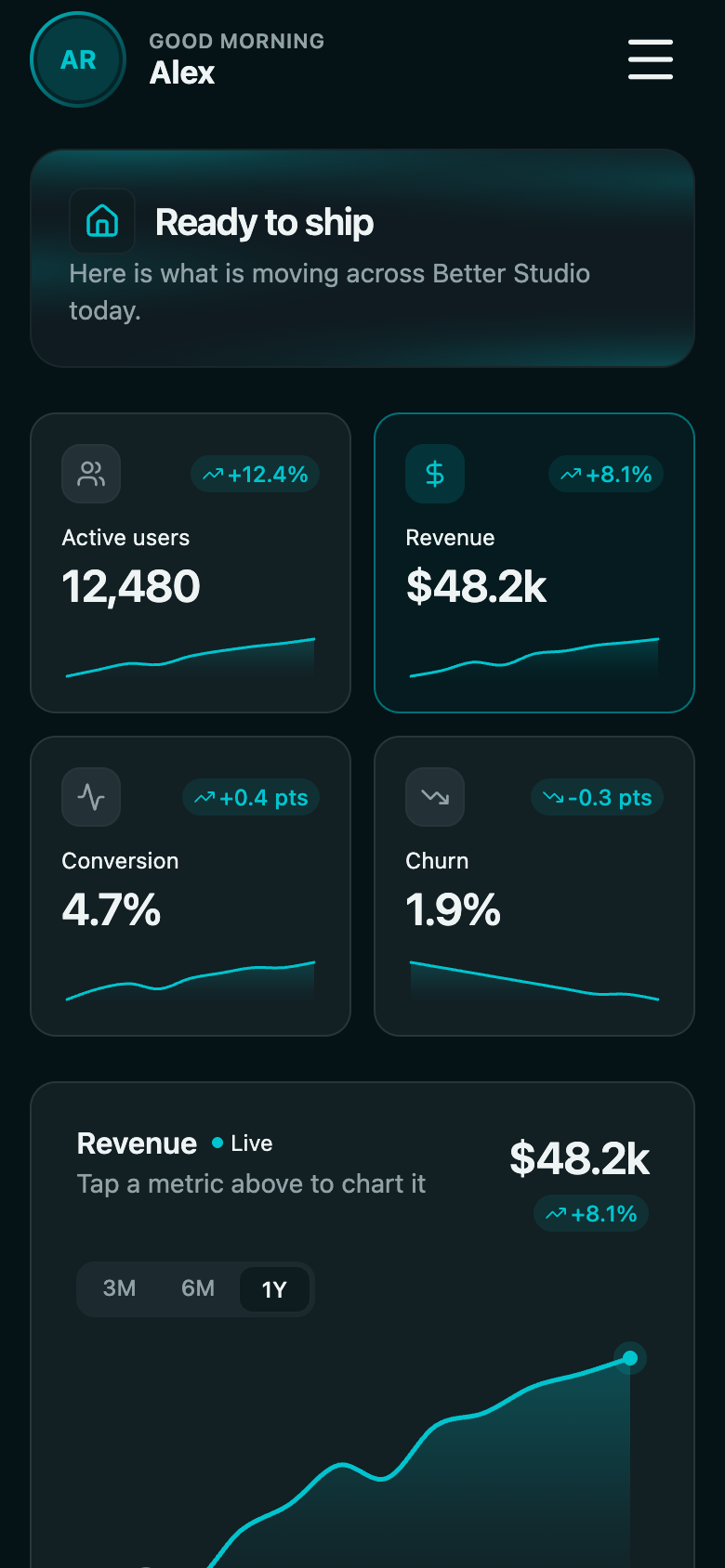
Good morning, Sarah
payment received
sarah@acme.io moved to Premier
iOS and Android, without a second team.
It is already in the repo
Every project the CLI creates includes an Expo app in apps/mobile, one of the six apps in the workspace, wired to your backend.
The look carries over
Your design tokens are converted for NativeWind during create, so the phone matches the website without restyling a single screen.
Shipping is one command
hype-stack deploy mobile runs the EAS build for both platforms and submits to the App Store and Play Store.
Good morning, Sarah
mrr
$18,940
- App Store
- Google Play
Your design tokens, translated for native.
The phone wears the same colors as the website. The CLI converts the theme file when it scaffolds the project.
One retheme still means editing one file. See how theming works.
What it does, and where to check.
Six outcomes, each with a receipt your developer can check.
On both app stores
A real iOS and Android app ships with the project.
apps/mobile
Same data as the web
It calls the same typed backend as every other app.
 one shared API
Your brand, native
The web theme converts for native screens during setup.
auto-converted
Screens are just files
Navigation follows the folder structure.
expo-router
Both stores, one command
iOS and Android build, sign and submit together.
One commanddeploy mobileFixes ship same-day
Most updates skip the store review entirely.
The store run is one command.
One command builds for iOS and Android and submits to both stores.
$hype-stack deploy mobile
- Chains after the web deploy, so one session puts everything out.
- After launch, JavaScript fixes ship over the air. No store review.
- Read the deploy docs
the run
0 / 4
- signed in to EAS as you
- eas.json written, API URL from your web deploy
- eas build --platform all
- submitted to both stores
where it lands
- App Storewaiting
- Google Playwaiting
What it saves you.
No second team, no second design system, no second API client. The phone app is another surface of the product you already run.
2
App stores from the repo you already have
One EAS run queues the iOS and Android builds and can submit both.
separate native teammonthsapps/mobile, already thereday one1
Theme file covers the phone too
The CLI converts your OKLCH tokens into NativeWind's format during create.
same palette, native screens0
Store reviews for a JavaScript fix
eas update ships the fix over the air to apps already installed.
store review waitdayseas updateminutes
Same repo. Same types.
Now on phones.
$ hype-stack deploy mobile
Feature packs to grow with
Every pack ships real source code: frontend, backend, and admin surfaces where the feature needs them. Add them when you need them, one command each.
Questions, answered
Stop saying the app is on the roadmap.
apps/mobile is scaffolded with every new project. Theme it once, wire nothing, deploy it with one command.
included with every project