

One extension
for three browsers.
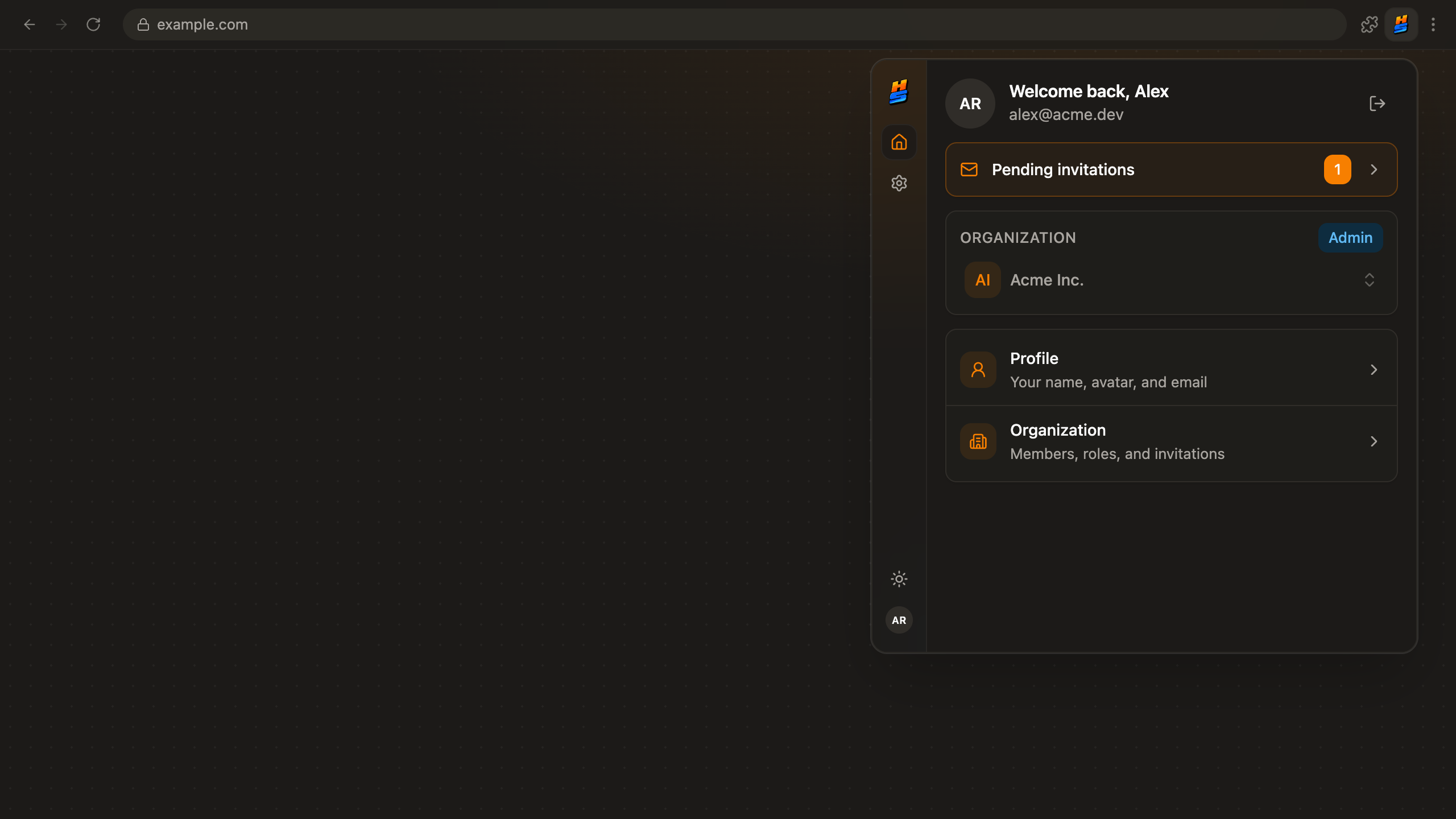
The template ships a browser extension built with the same React, the same theme tokens, and the same typed API as the rest of your stack.
Aether
Open tasks
7
Mentions
3
Your product, one click from any page.
Ships with every project
One of the six apps create scaffolds, built with the same React.
Wears your theme
Same tokens as the web app, so it always matches the product.
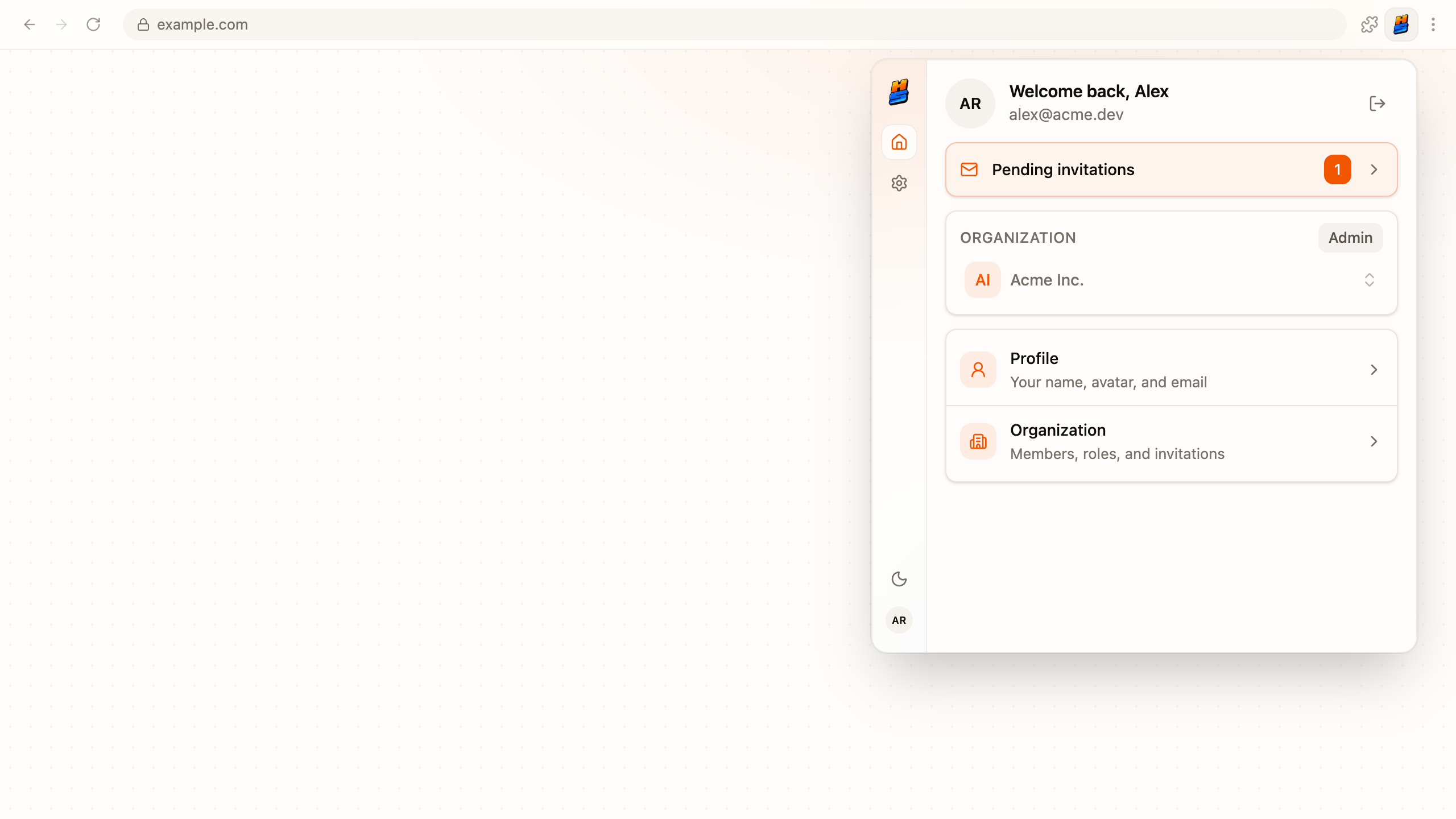
Live from your backend
Same typed SDK, same signed-in user as the web app.
Three stores, one deploy
Chrome, Edge and Firefox publish from one command.
- Chrome
- Edge
- Firefox
One codebase. Every browser family.
Two builds from one source directory. Chrome and Edge share one, Firefox gets its own. Nothing forks.
What it does, and where to check.
Six outcomes, each with a receipt your developer can check.
In the toolbar
One click from any page, scaffolded into every project.
apps/extension
Matches your product
Reads the same theme tokens as the web app.
auto-themed
Real data, same user
Same typed API, same session as the web app.
 one shared API
Chrome and Edge, one build
One MV3 bundle covers both stores.
dist/chrome
Firefox, signing included
The signing step runs on its own before upload.
web-ext
Publish everywhere at once
Three stores from one command; unset stores are skipped.
One commanddeploy extension
Store submission, scripted.
One command builds both targets and pushes each through its store's API. The first run doubles as the setup guide.
$hype-stack deploy extension
- A store without credentials is skipped with setup instructions. The others still ship.
- Chains after the web deploy, so one session puts everything out.
- Read the deploy docs
the run
0 / 5
- chrome build, zipped
- firefox build
- chrome web store: uploaded, published
- edge add-ons: uploaded, published
- firefox amo: skipped, setup printed
the stores
- Chromewaiting
- Edgewaiting
- Firefoxwaiting
What it saves you.
No second repo, no per-browser forks, and no afternoon lost to store dashboards every release.
3
Stores from one command
Chrome Web Store, Edge Add-ons, and Firefox AMO, each through its own API.
ChromeEdgeFirefox1
Codebase for every browser
Vite builds the chrome and firefox targets from the same source directory.
a fork per browser3x the workapps/extensionone src dir0
Releases blocked by one store
Stores publish independently. A Chrome outage never holds back Firefox.
store outageskipped, not failedstill publishedthe rest ship
Your product,
pinned to their toolbar.
Feature packs to grow with
Every pack ships real source code: frontend, backend, and admin surfaces where the feature needs them. Add them when you need them, one command each.
Questions, answered
Be in the toolbar, not just the tab.
apps/extension is scaffolded with every new project, themed like the rest, and published with one command.
included with every project