
Feature packs
- Ready-made screens
- API & database included
- Admin tools included


Search the packs, templates, docs, and pages
The installer is also an MCP server. Your agent searches the catalog, plans the install, and writes the files, from a local process on your own machine.
one sentence in cursor
0
files written in your repo
A local MCP server
The installer runs over stdio on your machine. No cloud in the loop, no code leaving your disk.
It plans before writing
Searches the catalog, checks your license, shows the whole plan, and asks before touching a file.
search_catalog · found pack-billing-stripe
plan_install · 75 files, asks first
add_packs · writing to your repo
Any MCP editor
Cursor, Codex, Claude Code, T3 Code, VS Code: one setup command each, approved once in the browser.
The files are yours
Real source lands in src/ across your six apps, committed like anything you wrote yourself.
mcp
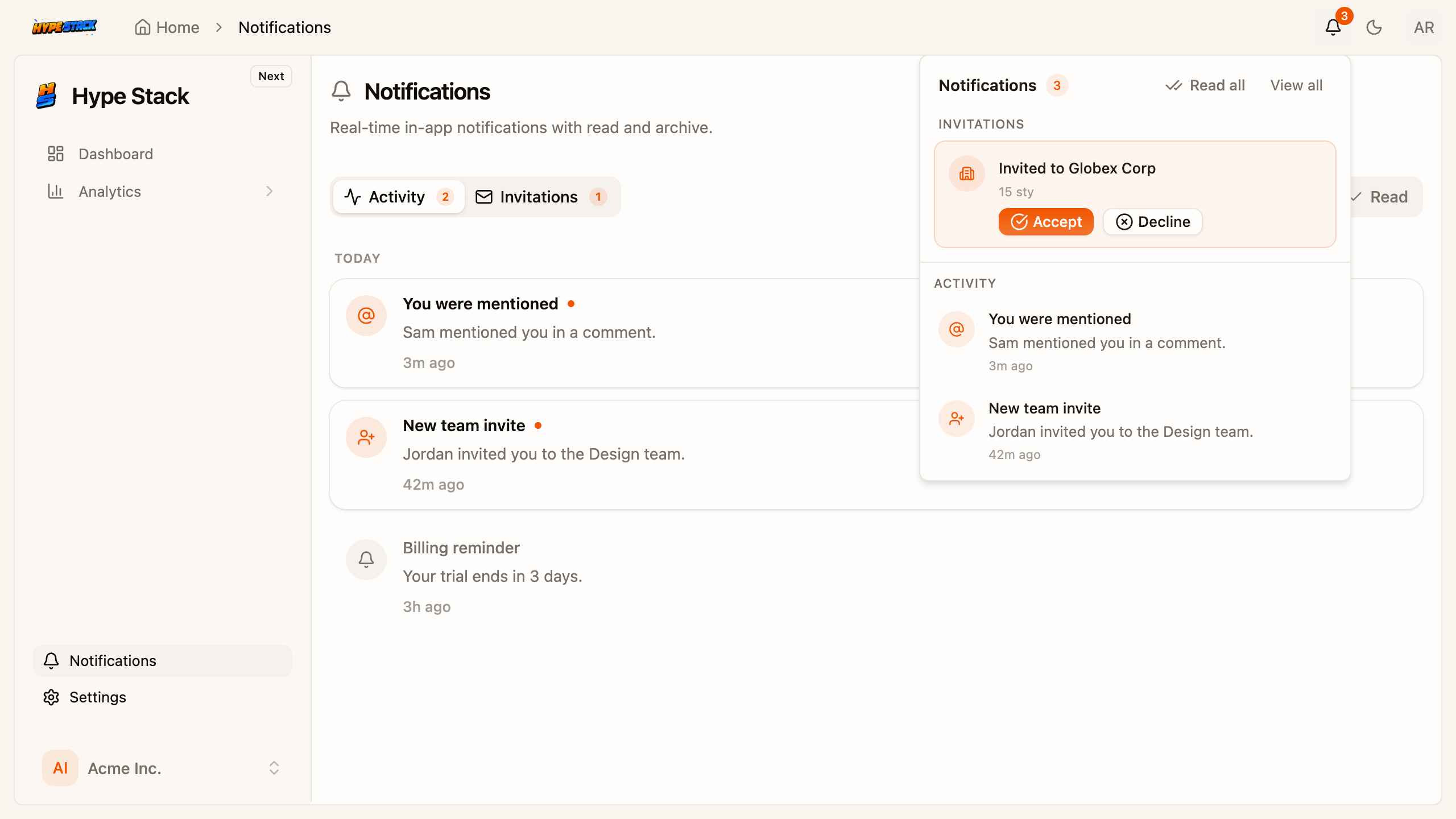
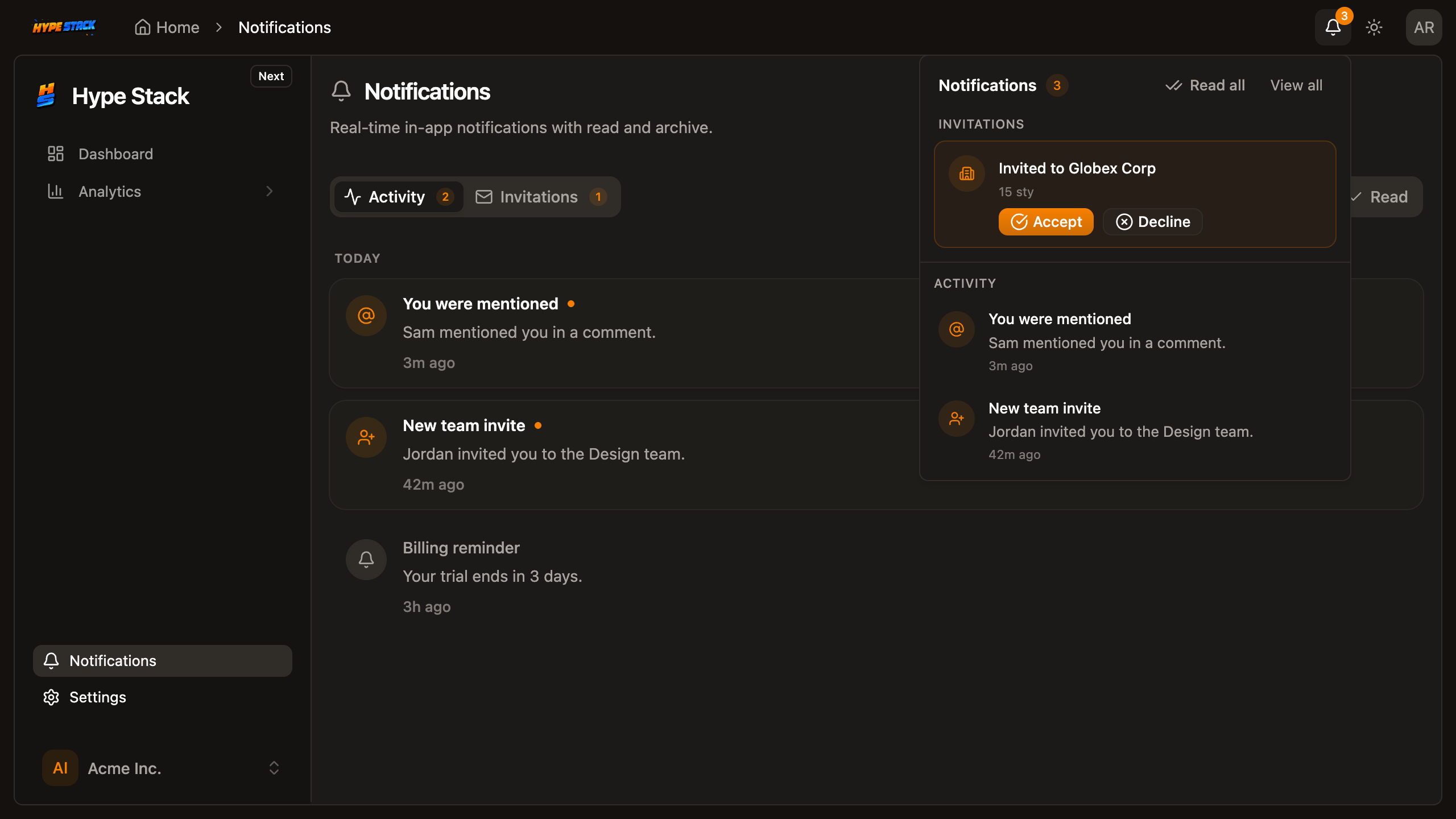
A real capture: the notifications pack, installed by an agent over MCP, running in the app.
Add in-app notifications
hype-stack mcp
Pick an editor, run the command, approve once in the browser. Nothing to paste, no separate login.
Then, in Cursor
Add billing with team seats
No browser on that machine: pass a key from the API keys page with --token
Shows as failed in the editor: npx @hype-stack/cli@latest mcp check --editor cursor
Seven tools read. Four write, and each one shows the plan and waits for your yes.
Reads
cannot change a filesearch_catalogplan_installinspect_stackenv_statusauth_statuspack_authoring_guidevalidate_packWrites
shows the plan, then your callcreate_applicationadd_packsapply_templatesetup_projectYour agent stops guessing at features and starts installing finished ones. That is days of build time returned per feature.
63
Files written from one sentence
The notifications pack: frontend, backend and admin, planned then written.
minutes
For a feature that takes days by hand
Finished, tested packs instead of an agent improvising billing from scratch.
0
Trips out of the editor, ask to running app
The plan, the files and the result land in the chat you already have open.
Prefer the terminal? Same binary, see the CLI. Want your agent held to the project's conventions? That is the rules and lint setup.
Five tools only look. Three write, and they show the plan first.
Cursor, Codex, Claude, T3 Code, VS Code. Same server.
Cursor
Codex
Claude
T3 Code
Copilot
Catalog, license, and your stack, before a file is touched.
01
Look around
search_catalog, inspect_stack
02
Check access
plan_install, auth_status
03
Write source
add_packs, same files as the CLI
Same installer as the CLI. Same files.
A apps/frontend/…/billing/
A apps/backend/…/billing/
M prisma/schema.prisma
✓ ready to review
Missing a license? It names the pack and links it.
The feature surface behind those eleven tools. Your agent installs finished features instead of improvising them.



works incursor · codex · claude code · vs code
Every pack ships real source code: frontend, backend, and admin surfaces where the feature needs them. Add them when you need them, one command each.
Installed globally, the tools are there even in an empty folder. So your agent can create the project too.
local process / 6 of 11 tools read-only