
01·Your application
Frontend
What your customers see and click.

A frontend, a backend, and an admin panel that already know about each other. Types run from the database to the button, so a mistake is a compile error instead of an incident.
GET/organizations2006ms
POST/invitations20012ms
GET/settings/members2008ms
three apps, one set of types
A frontend, a backend, and an admin panel. Your ai agent knows all three, so one sentence lands in all three.
Hand your agent the MCP server and let it build the whole thing on its own.
01·Your application
What your customers see and click.
02·Your functionality
What runs behind your system logic.
03·Your analytics
What you watch to run the business.
Not a developer? You can still build the whole thing.
The rules keep your agent inside conventions a professional team would recognize. The day you hand this to a real developer, they open a normal repo with types, tests, and lint rules. Nothing to untangle, nothing to rewrite.
The choice that stalls every kickoff is reversible here. One codebase carries three build targets, so you decide when you actually know, and change your mind without a rewrite.
Need SEO mid-development?
Pages render on the server, so crawlers and link previews see real content instead of an empty shell. Flip it on the week SEO starts to matter.
pnpm start:ssr
same routes, same components, same types. switching back is one command too.
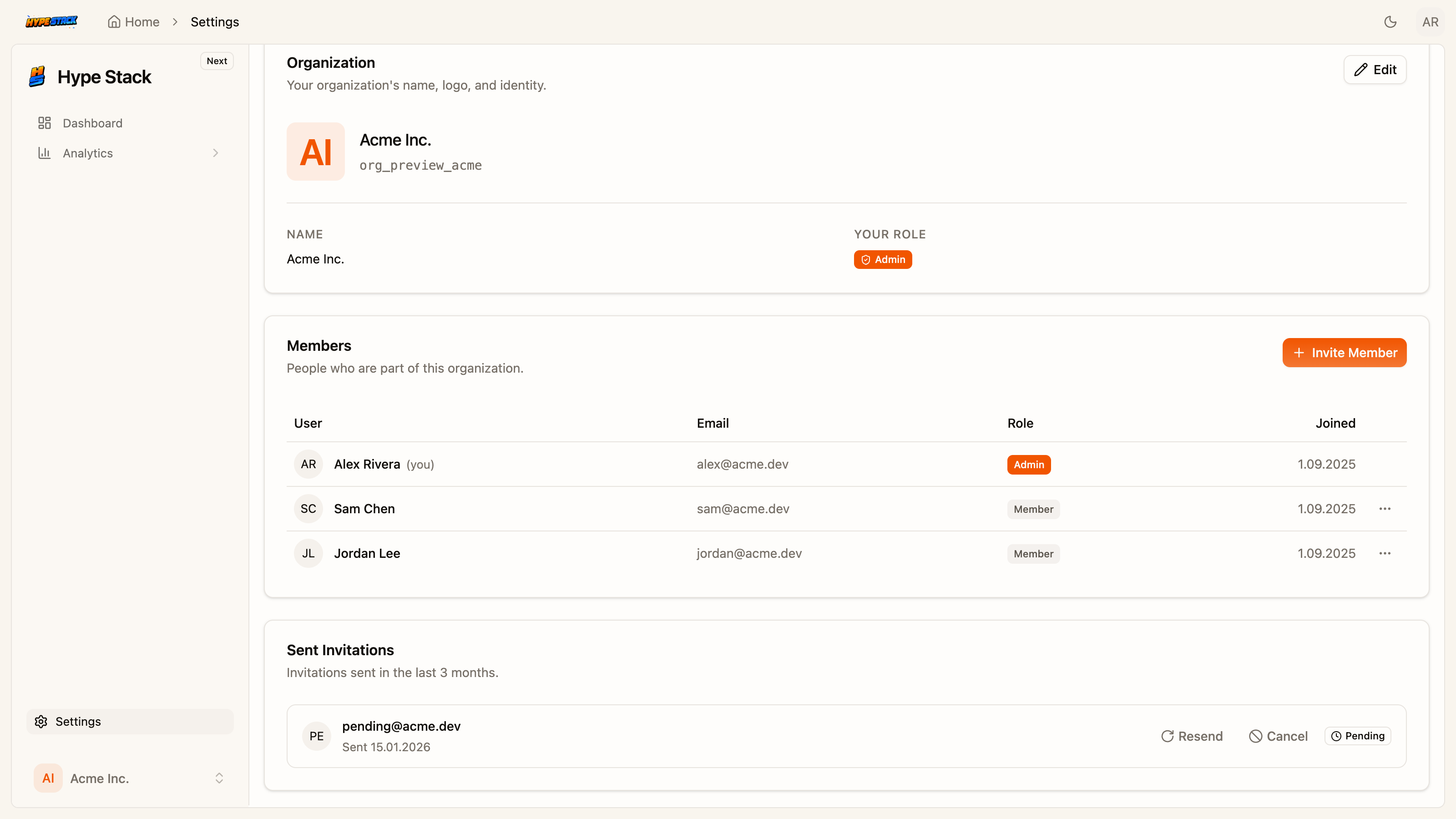
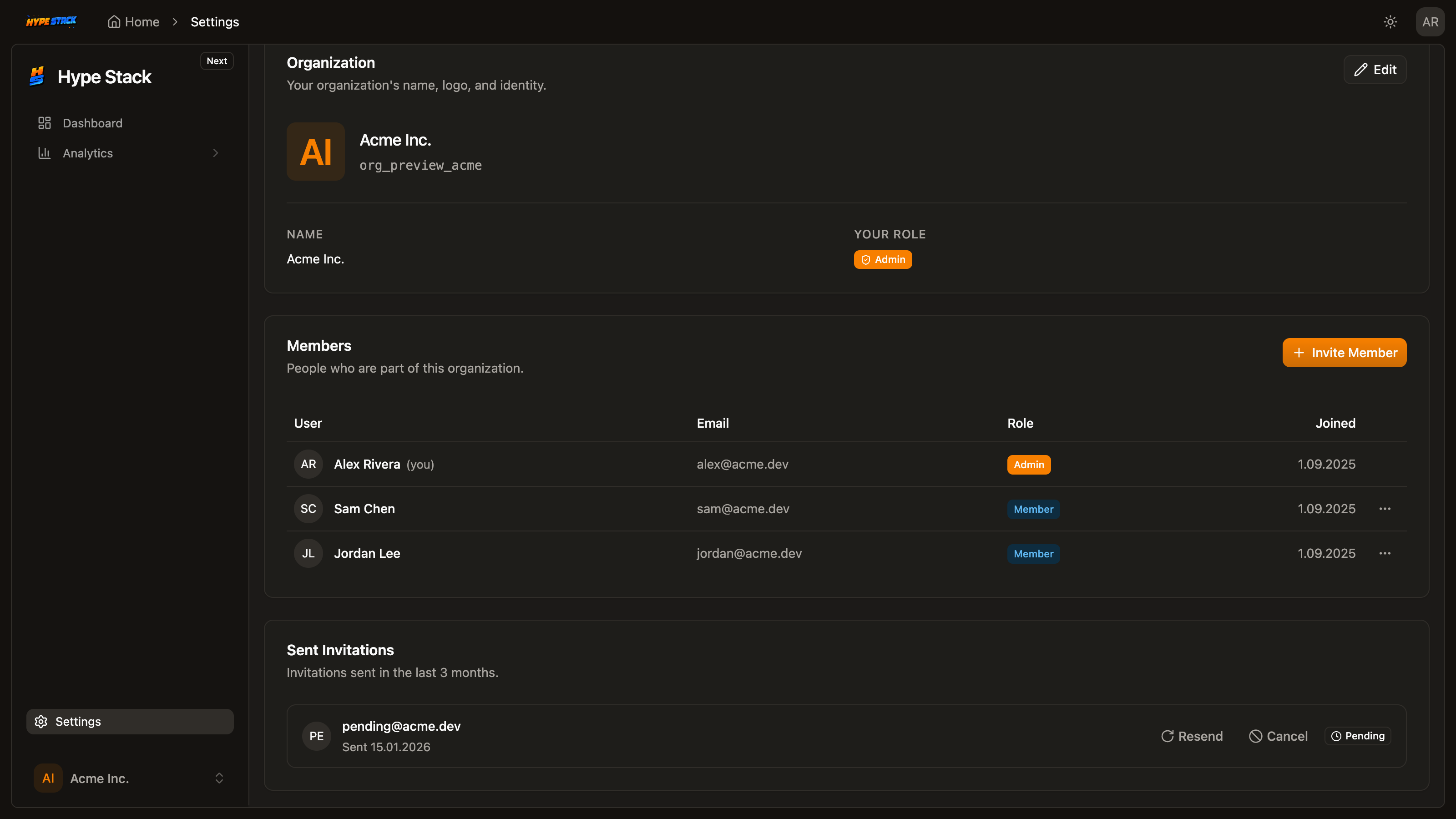
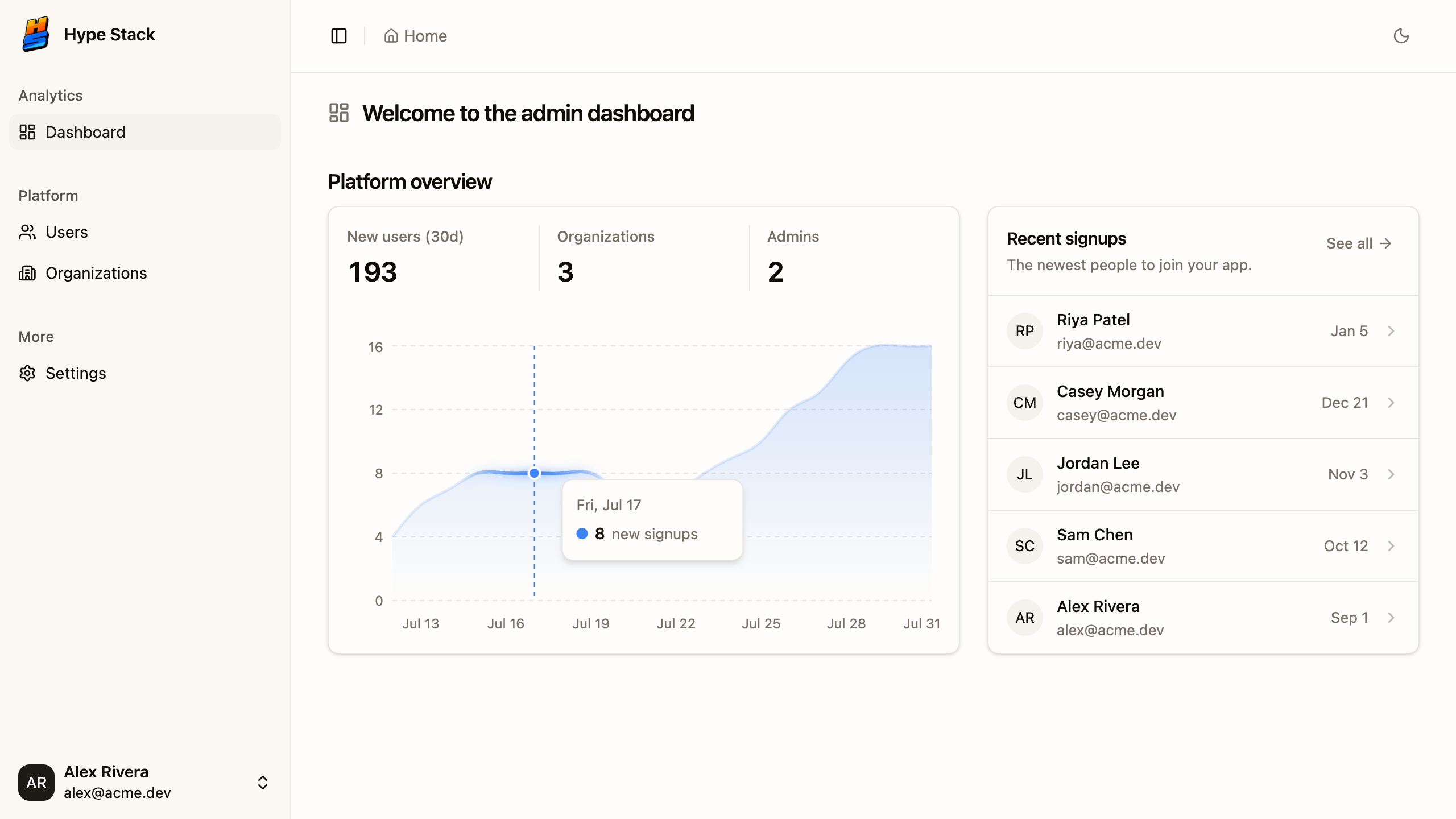
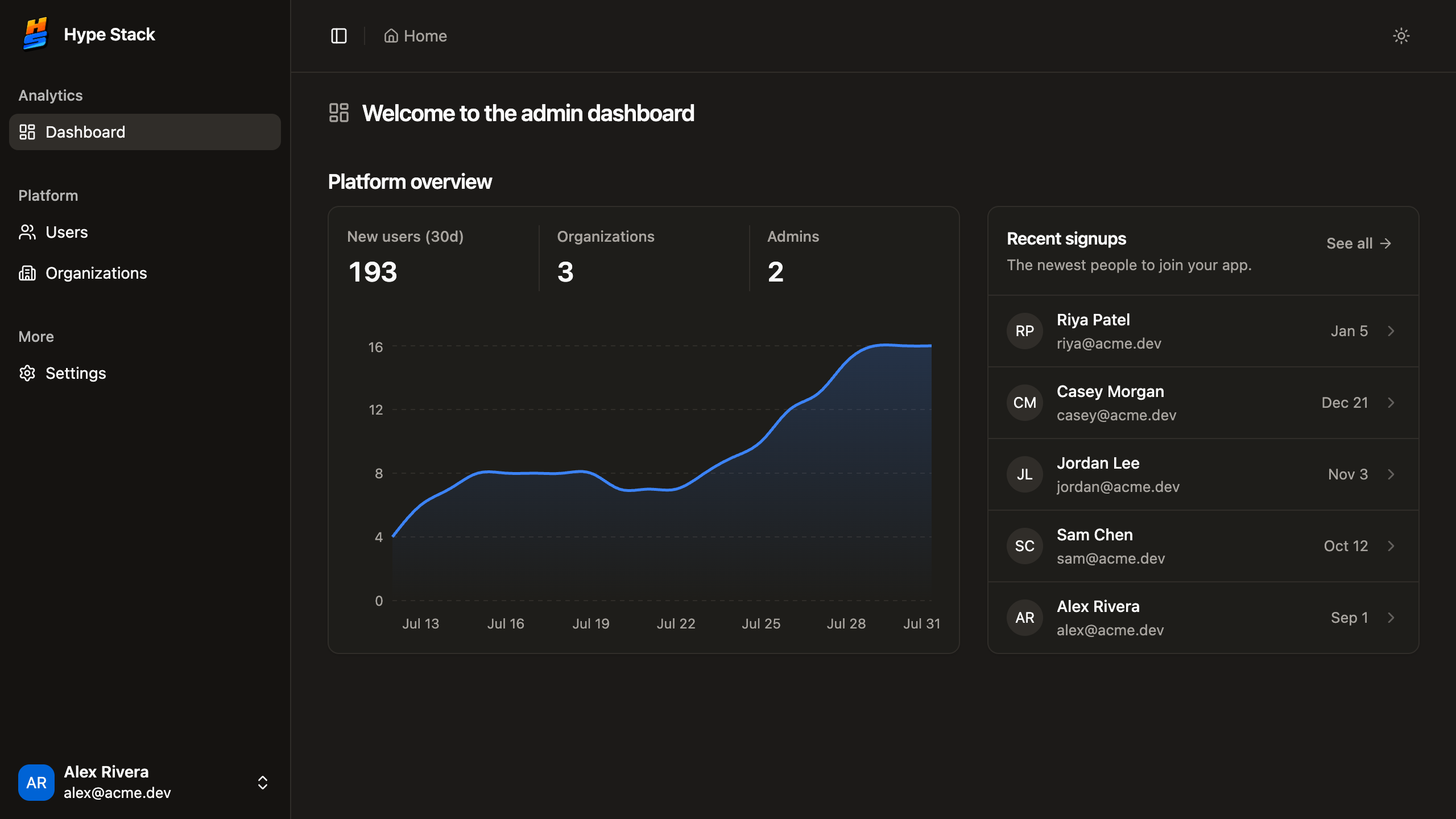
Real captures from the SaaS starter: onboarding, members, invitations, and the admin panel behind them. Screens like these are usually the first month of a build.
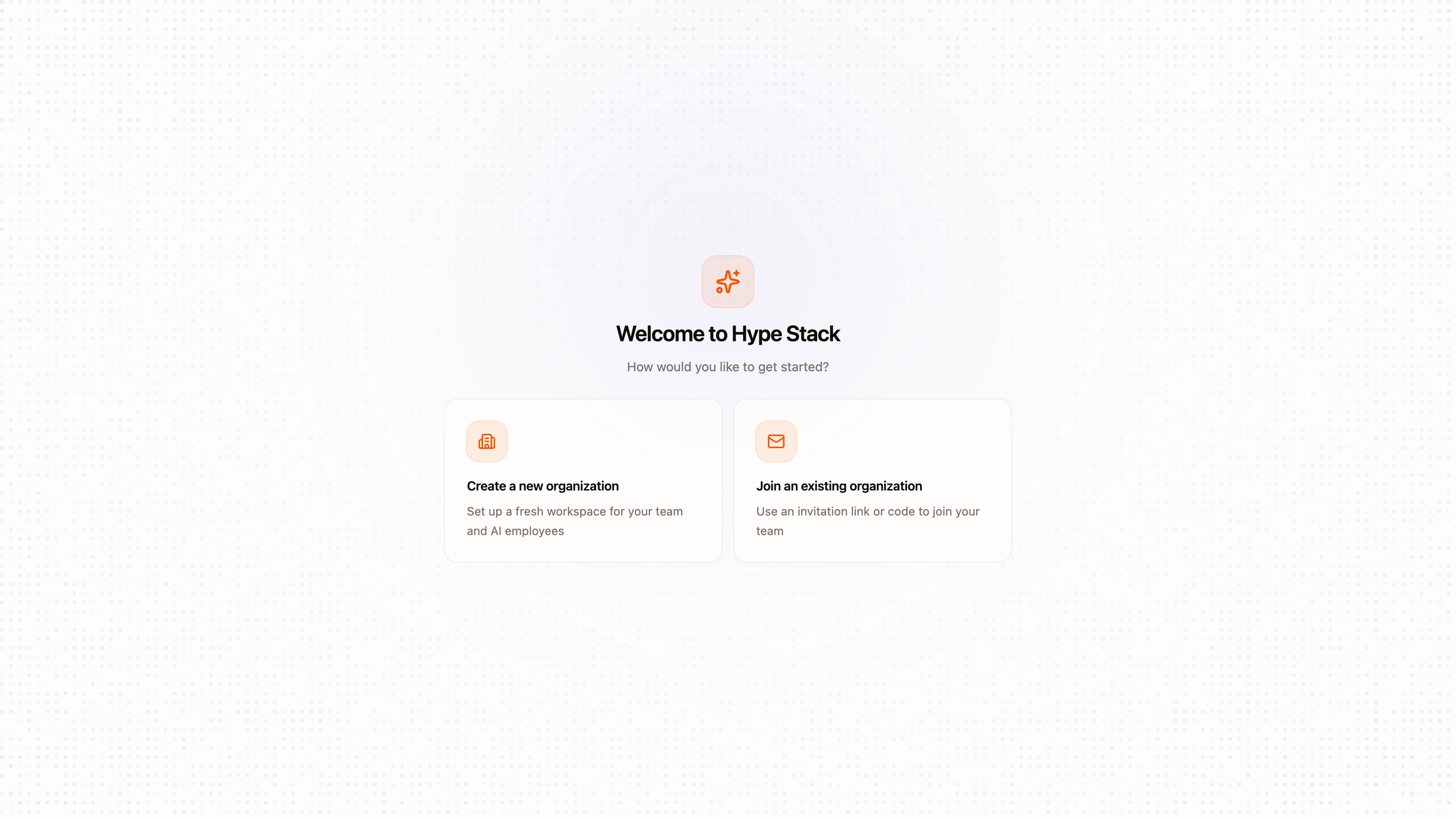
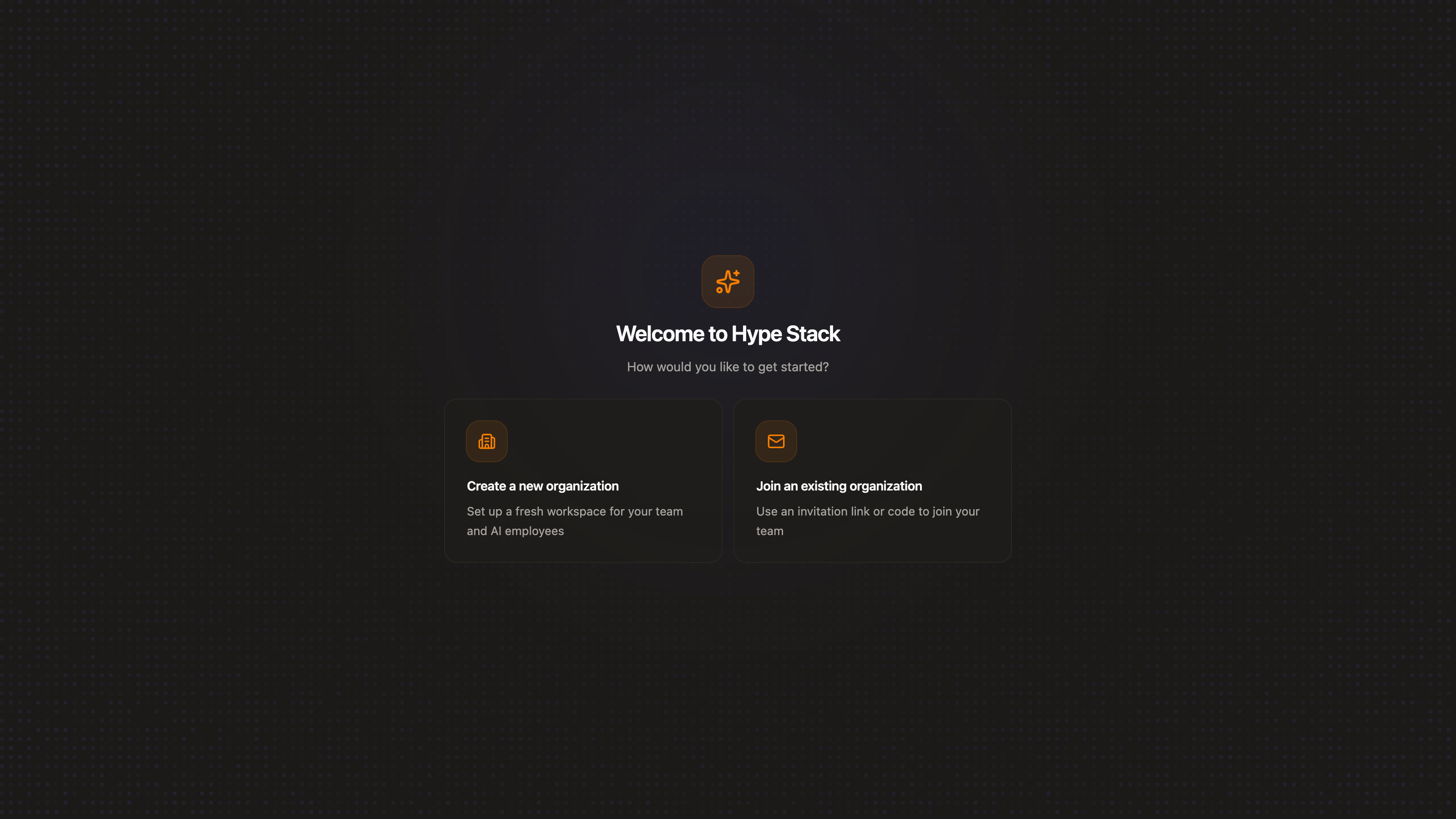
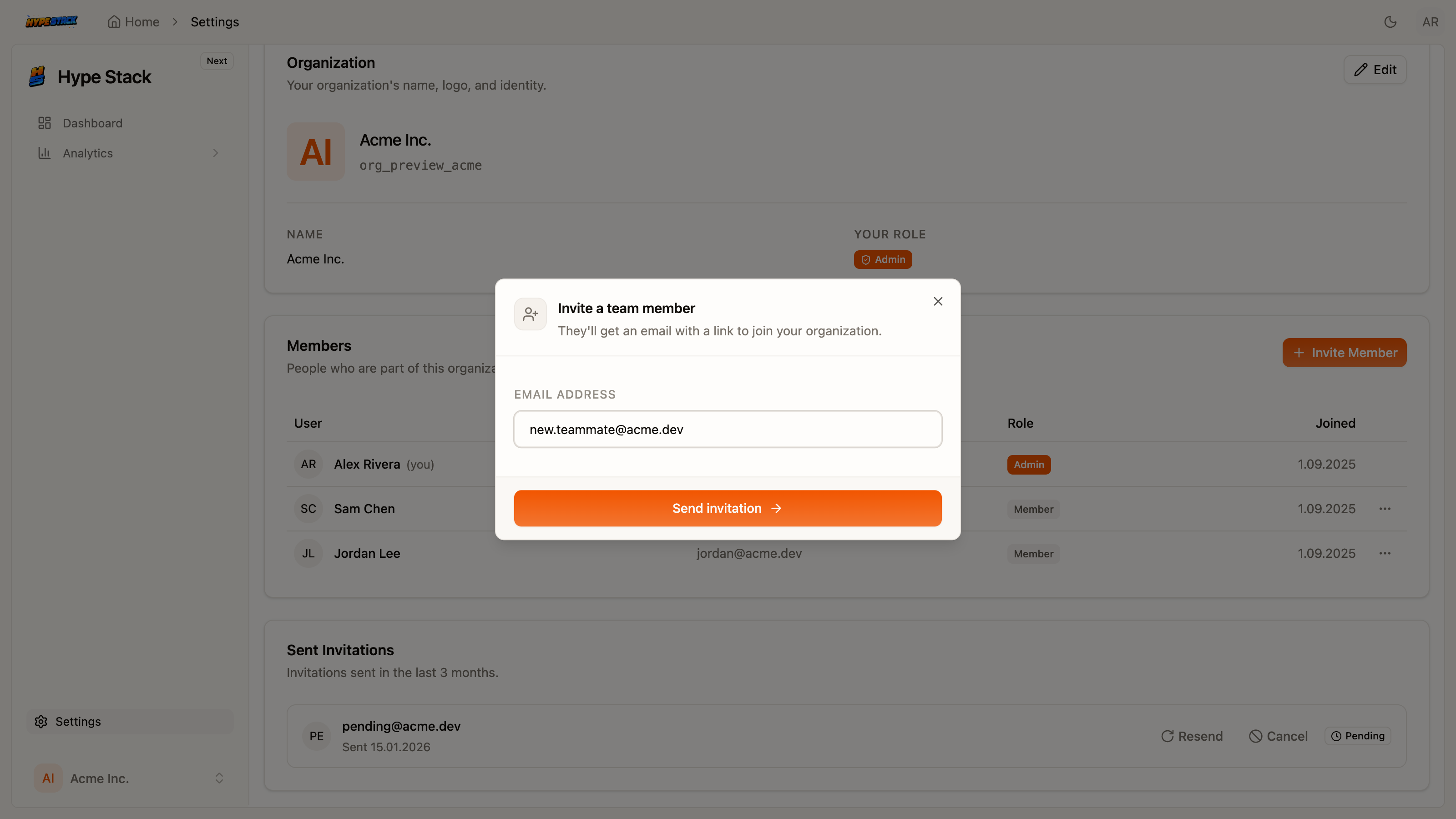
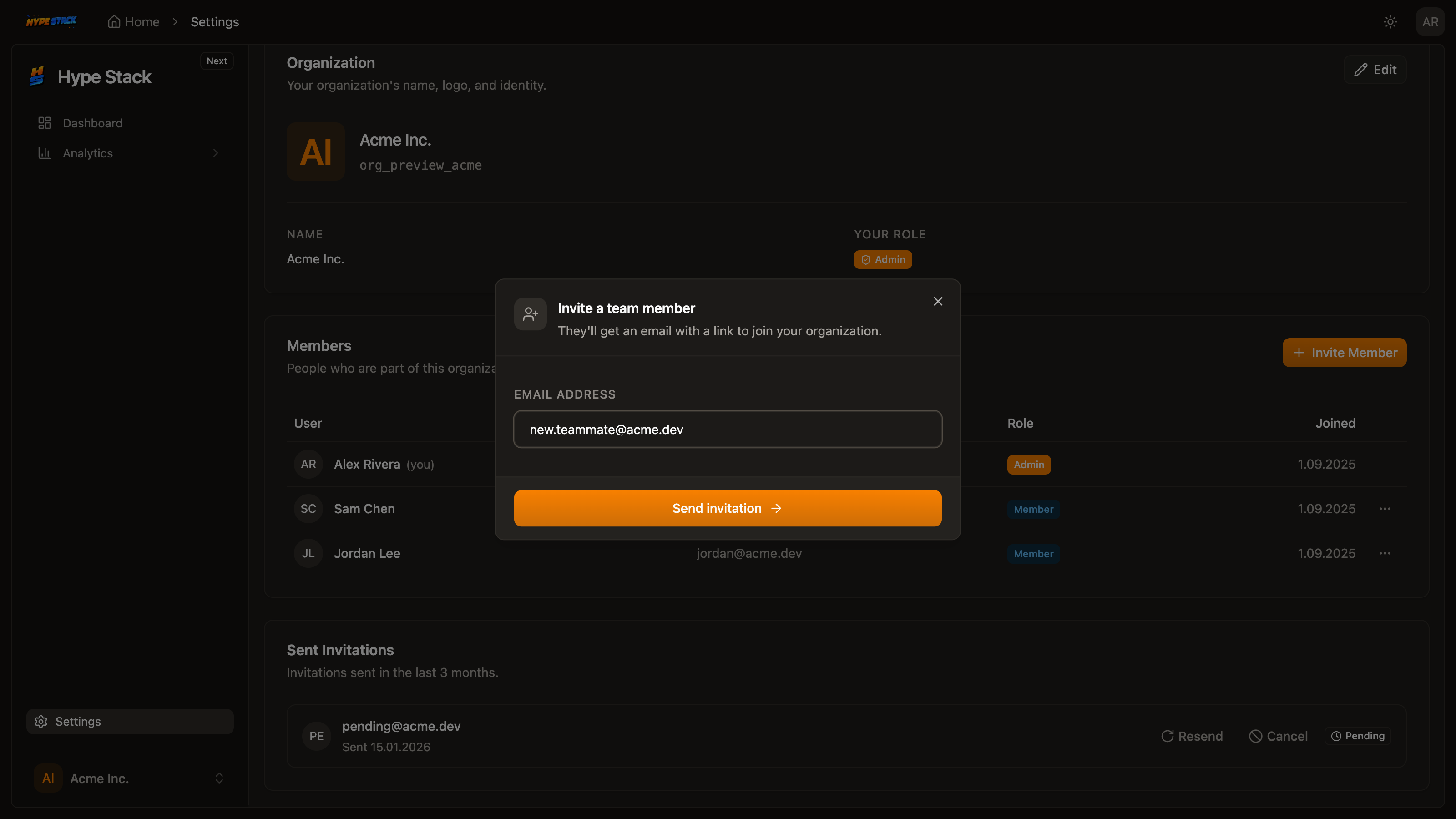
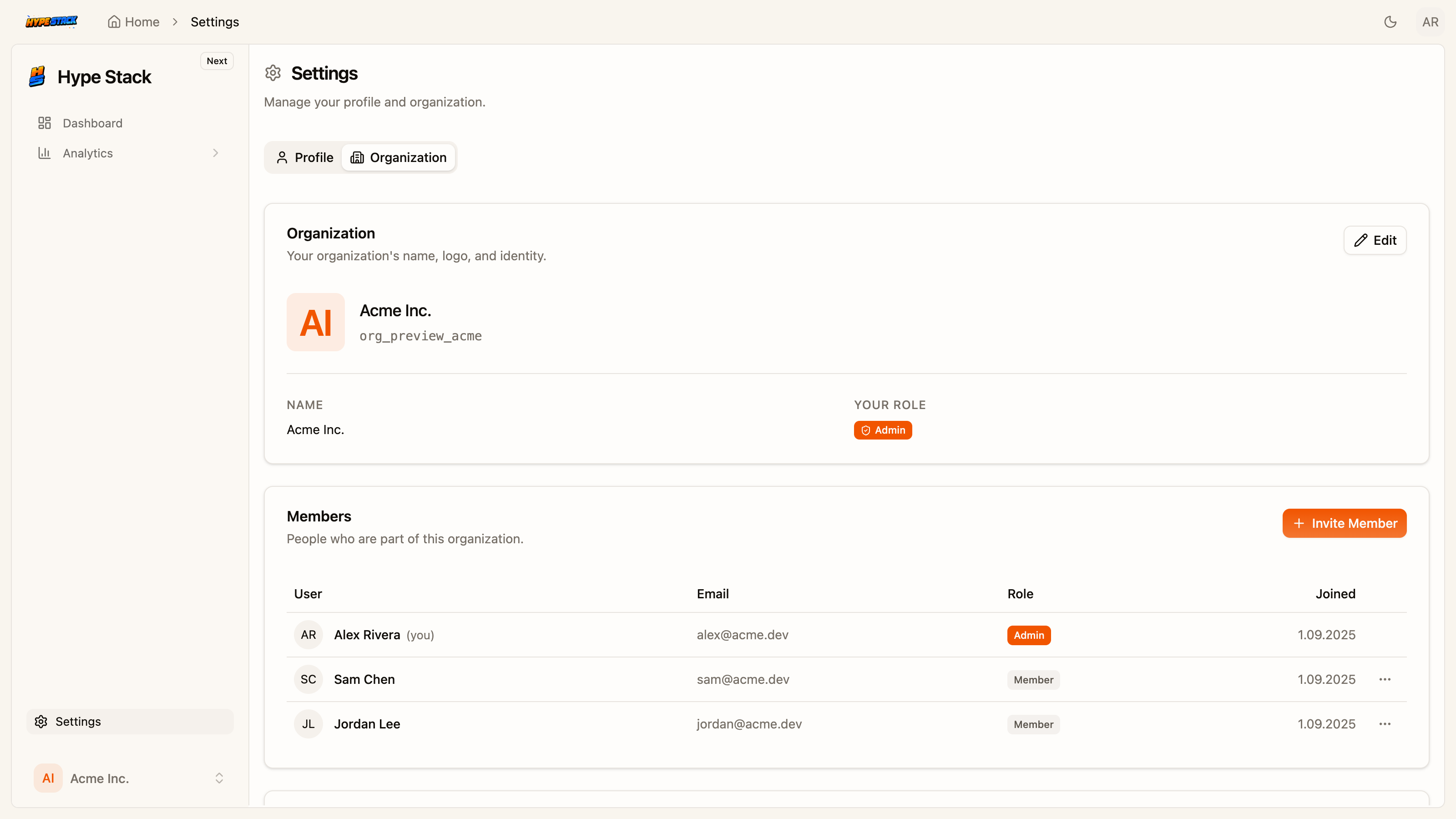
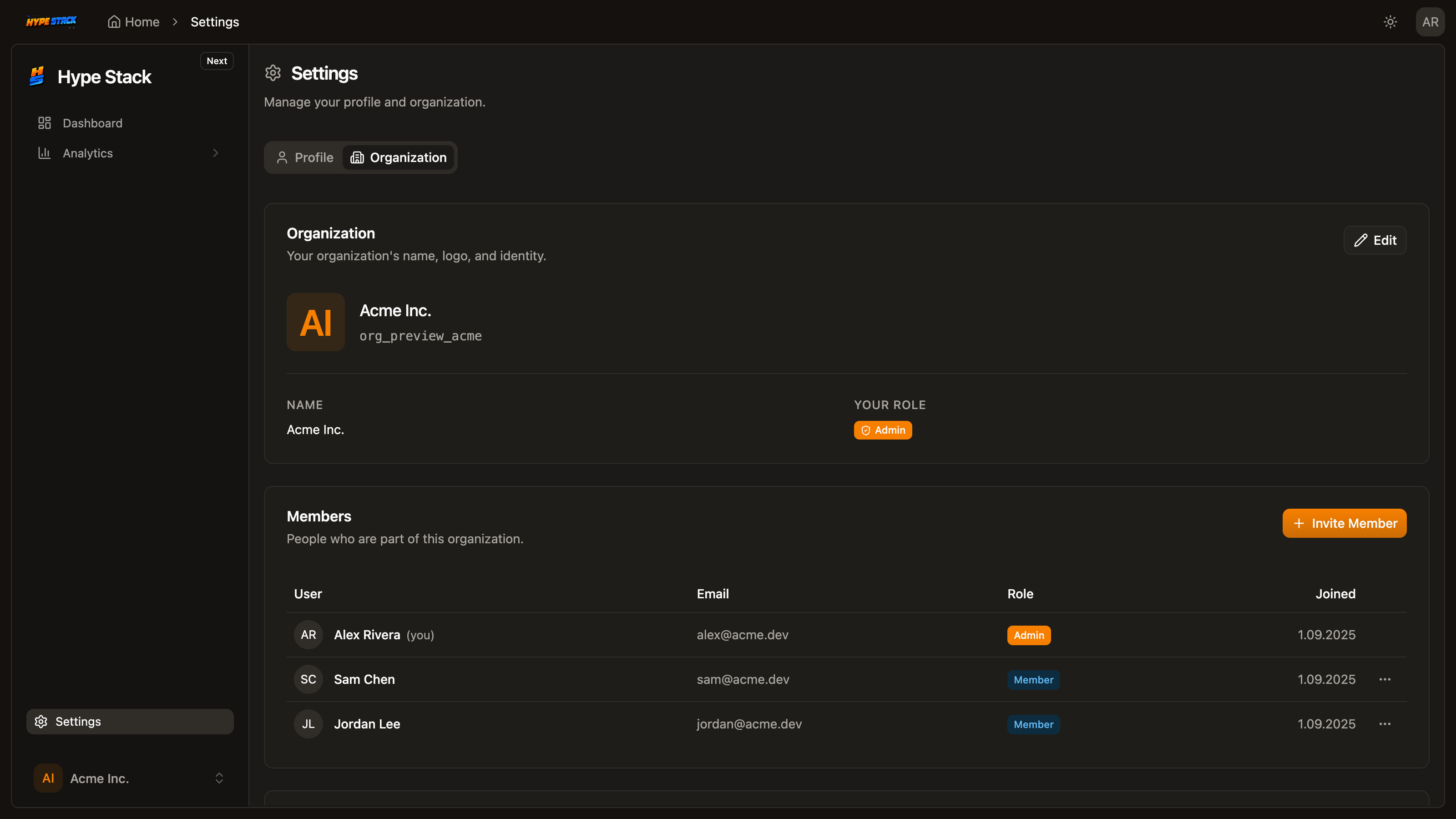
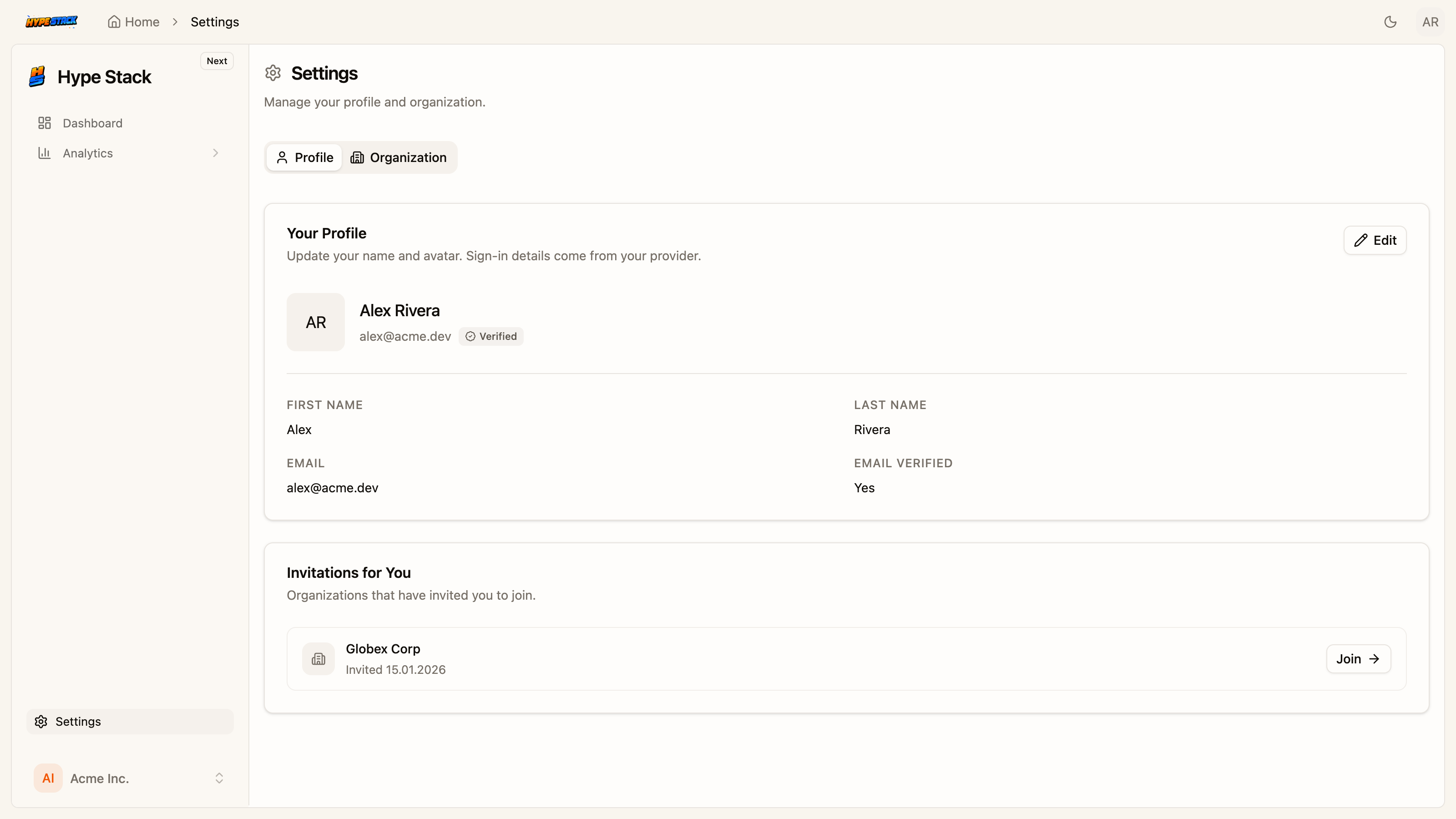
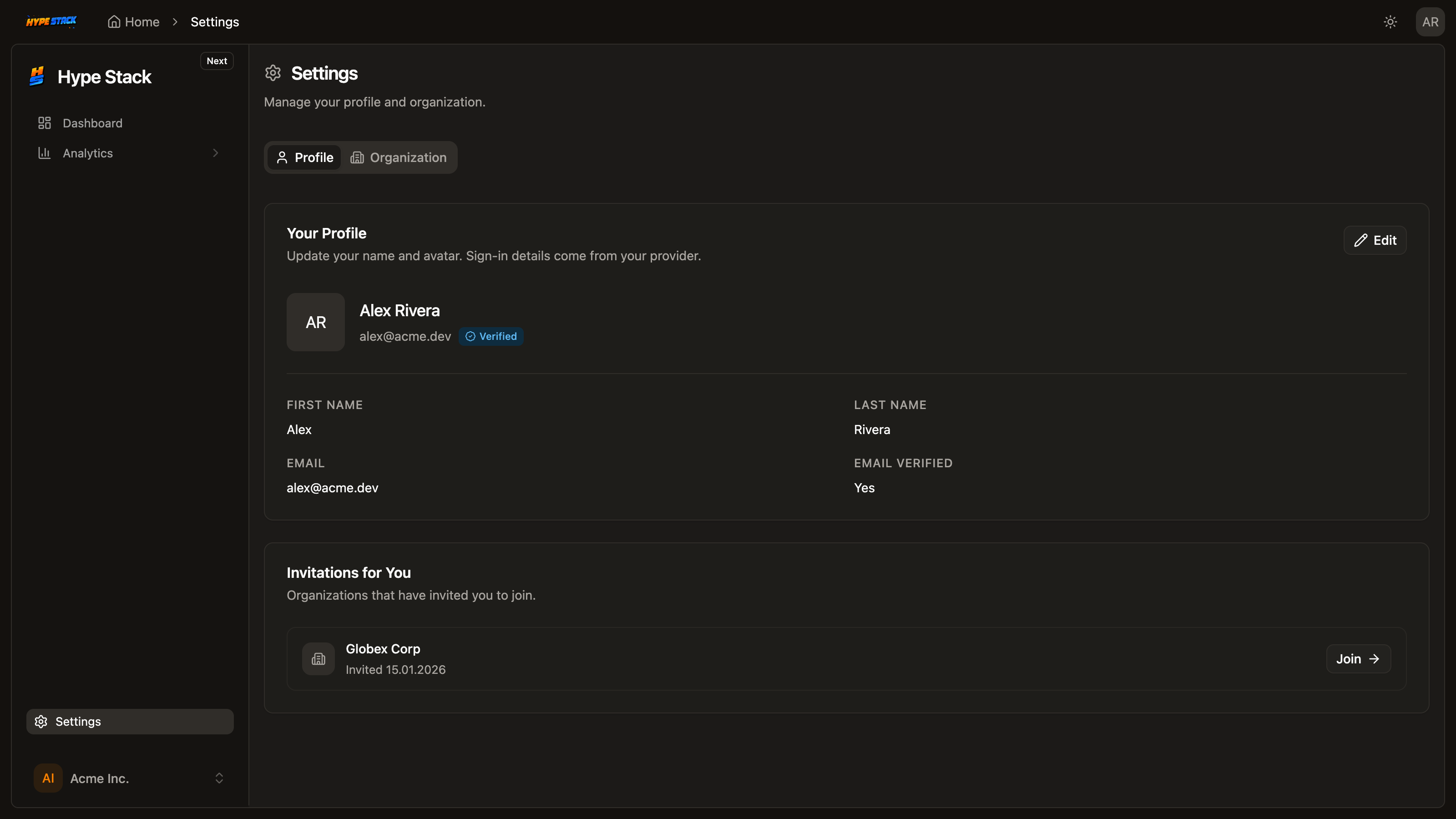
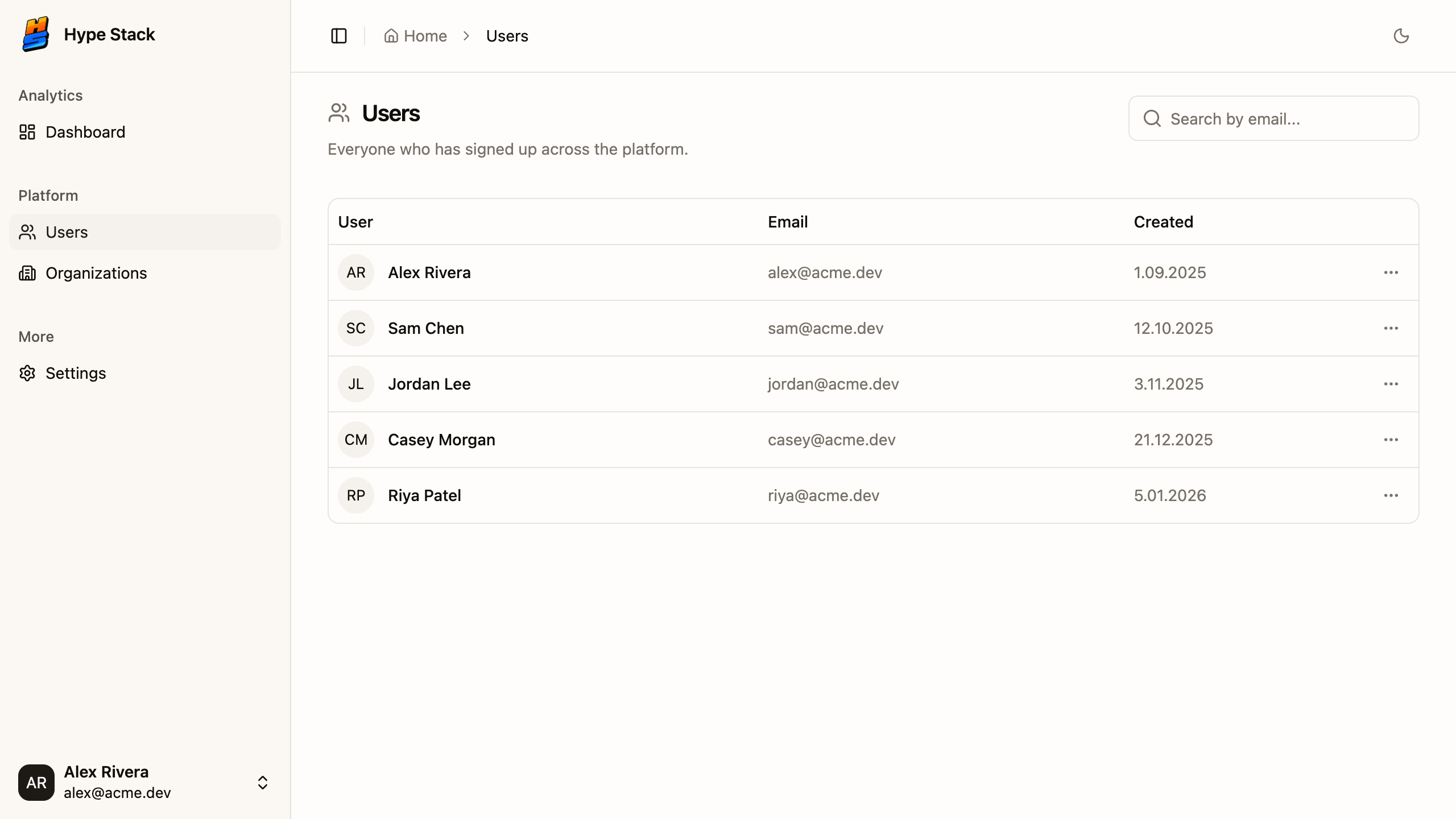
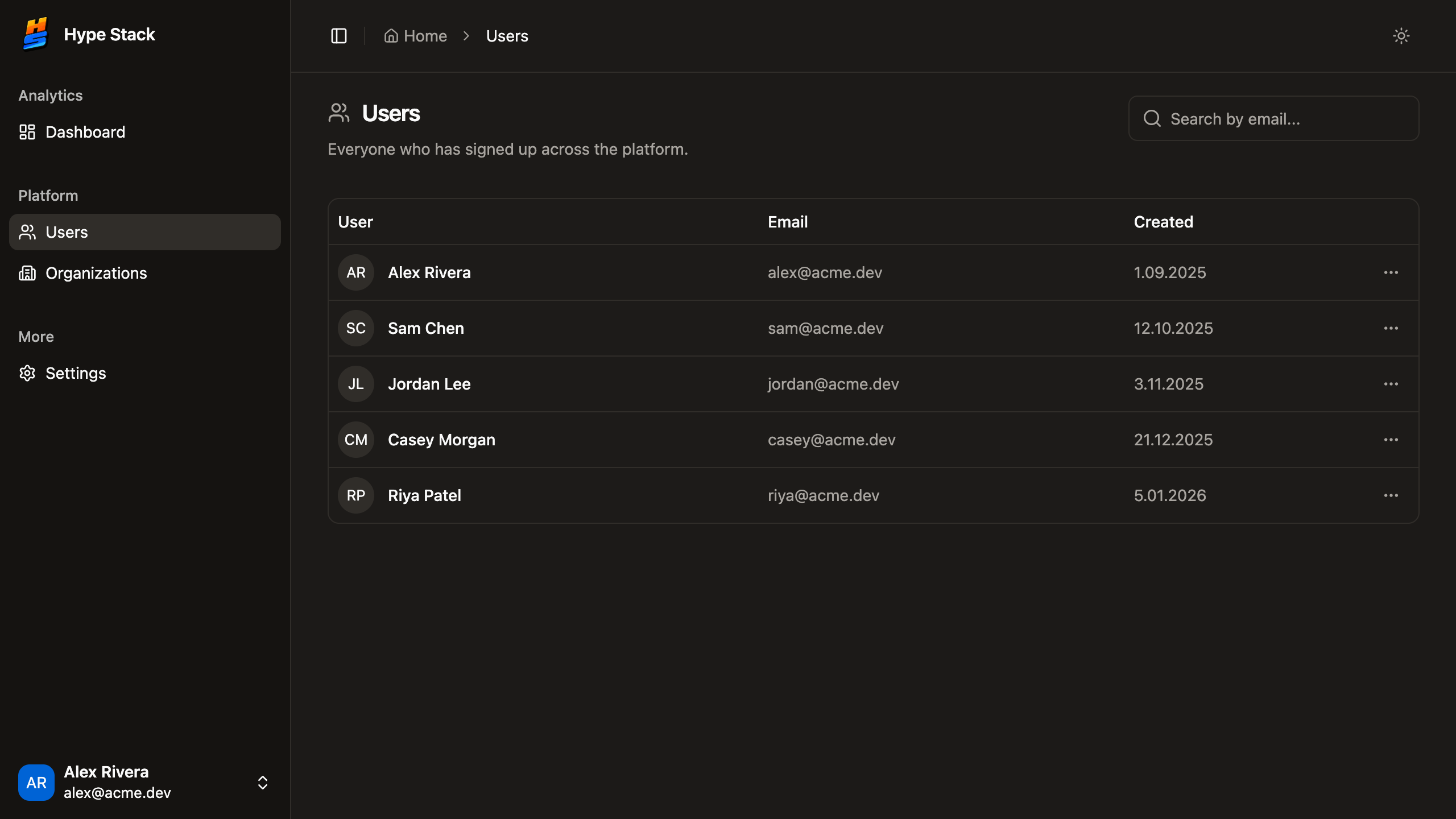
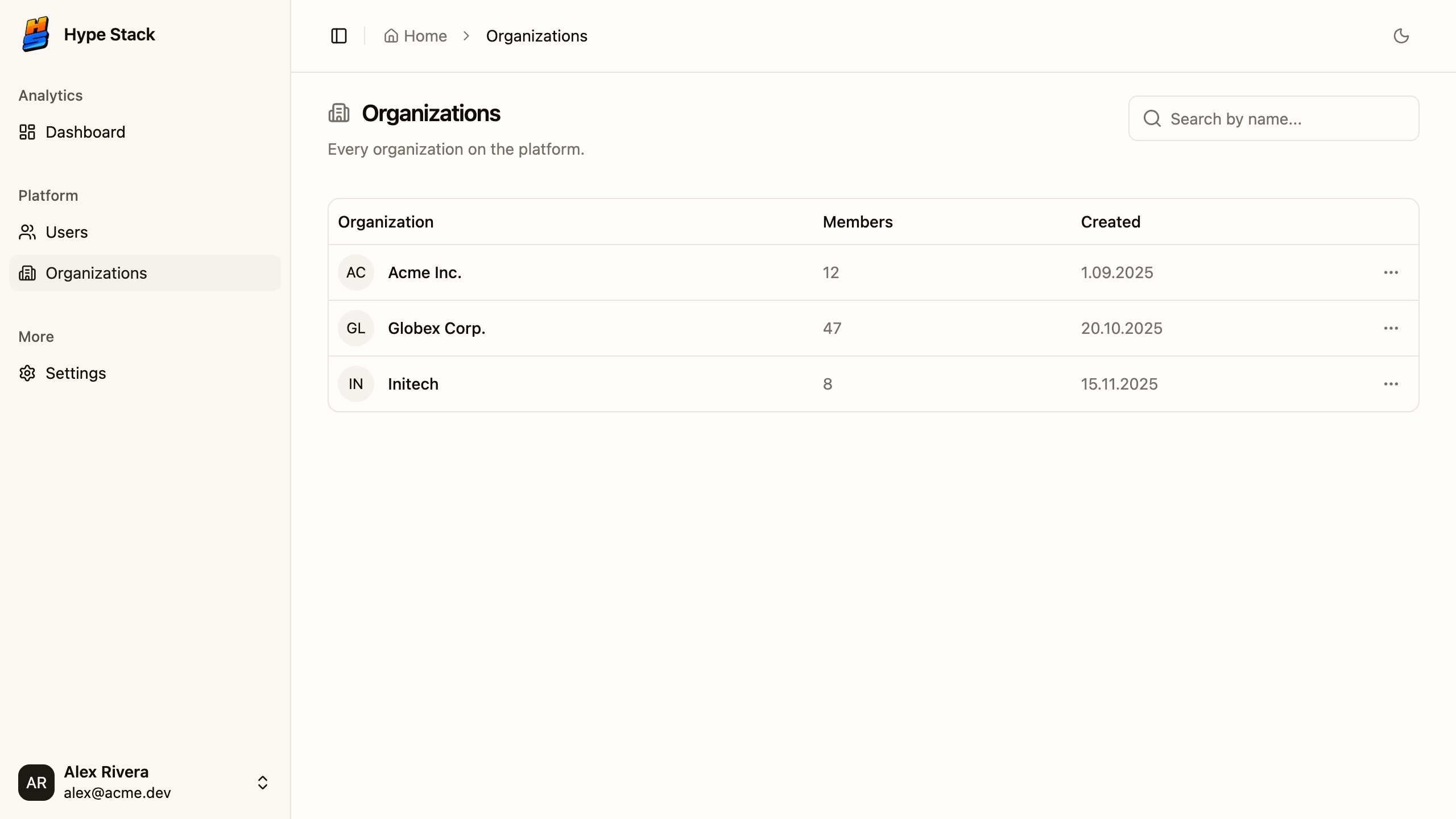
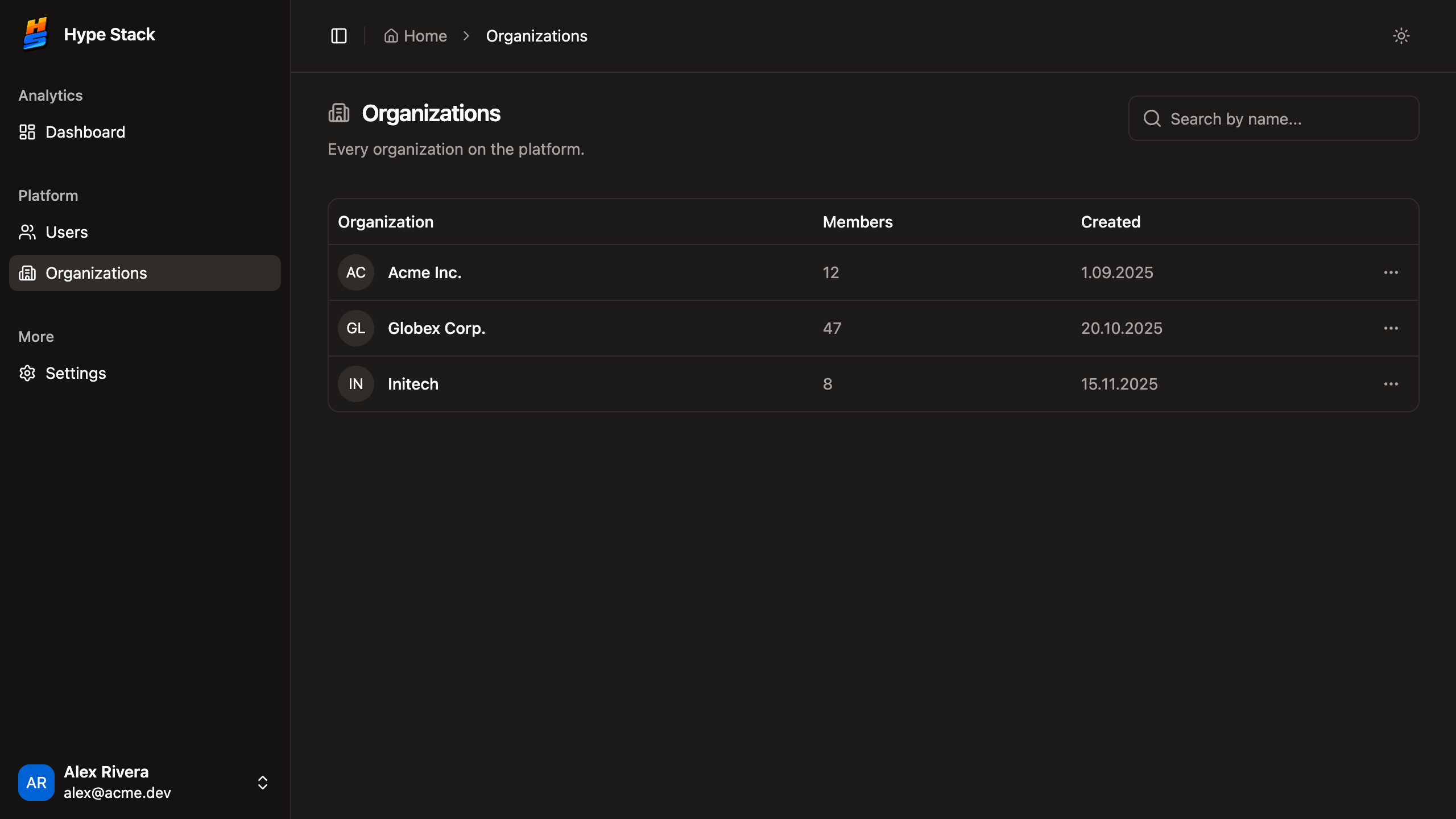
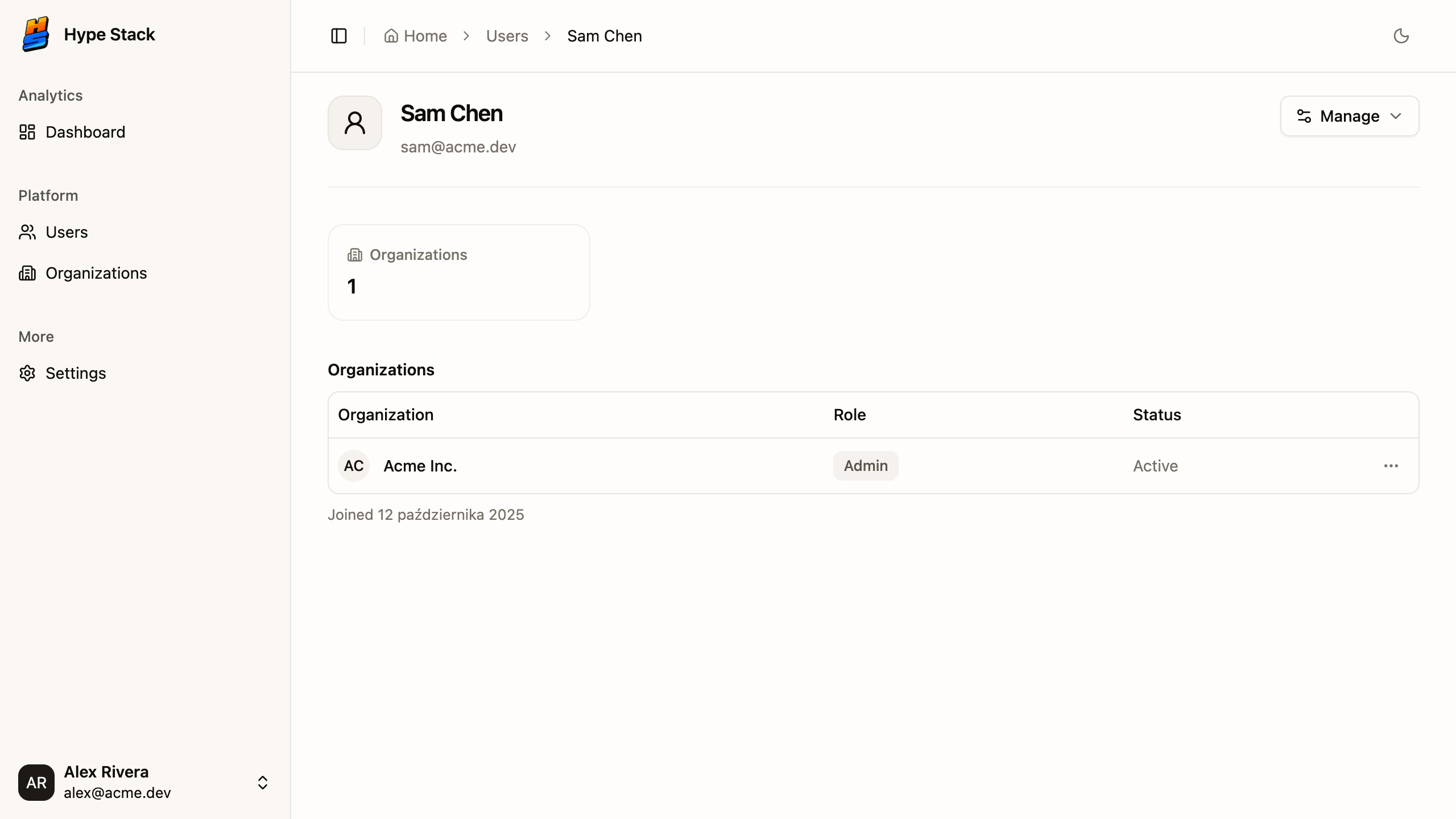
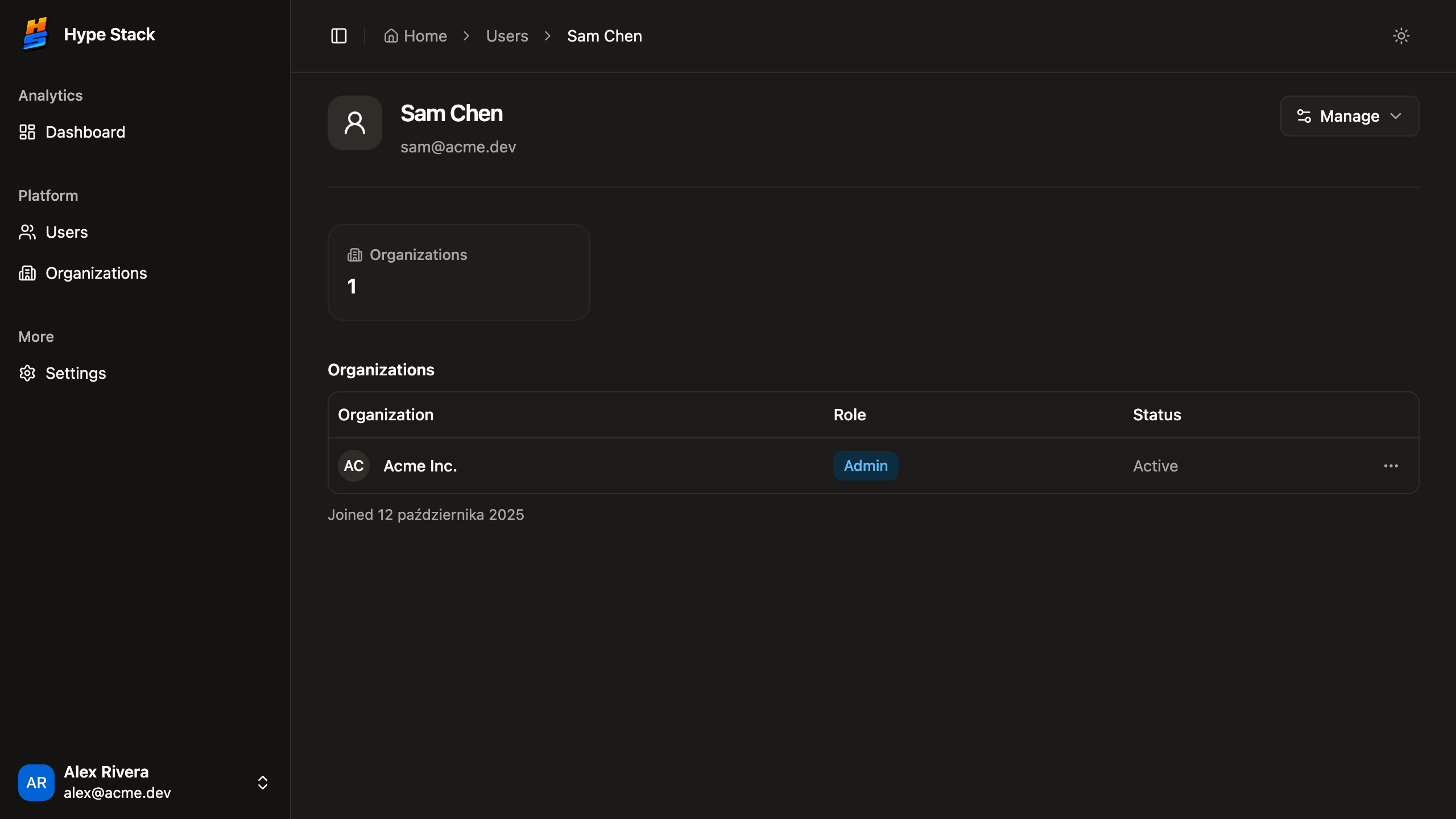
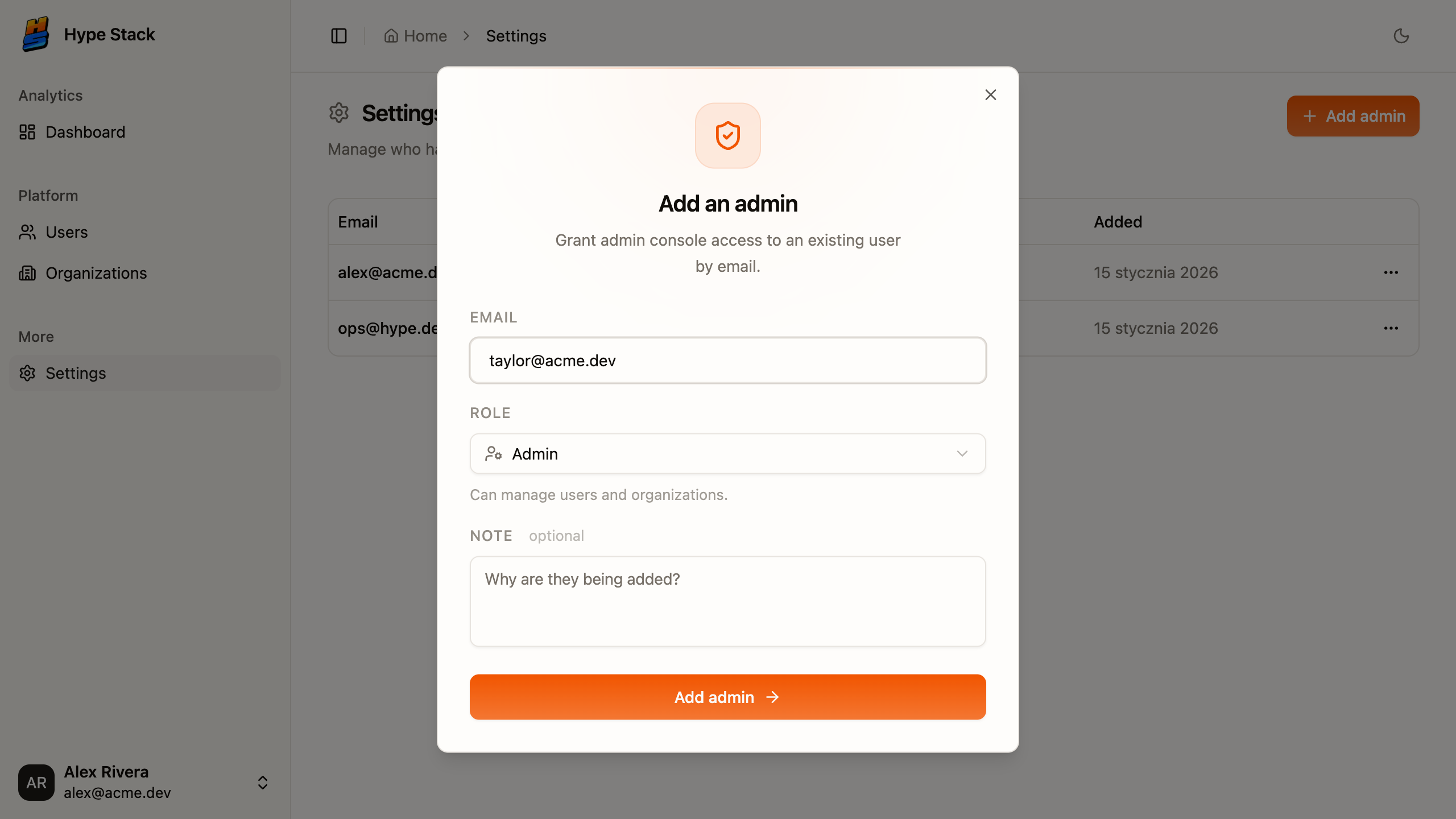
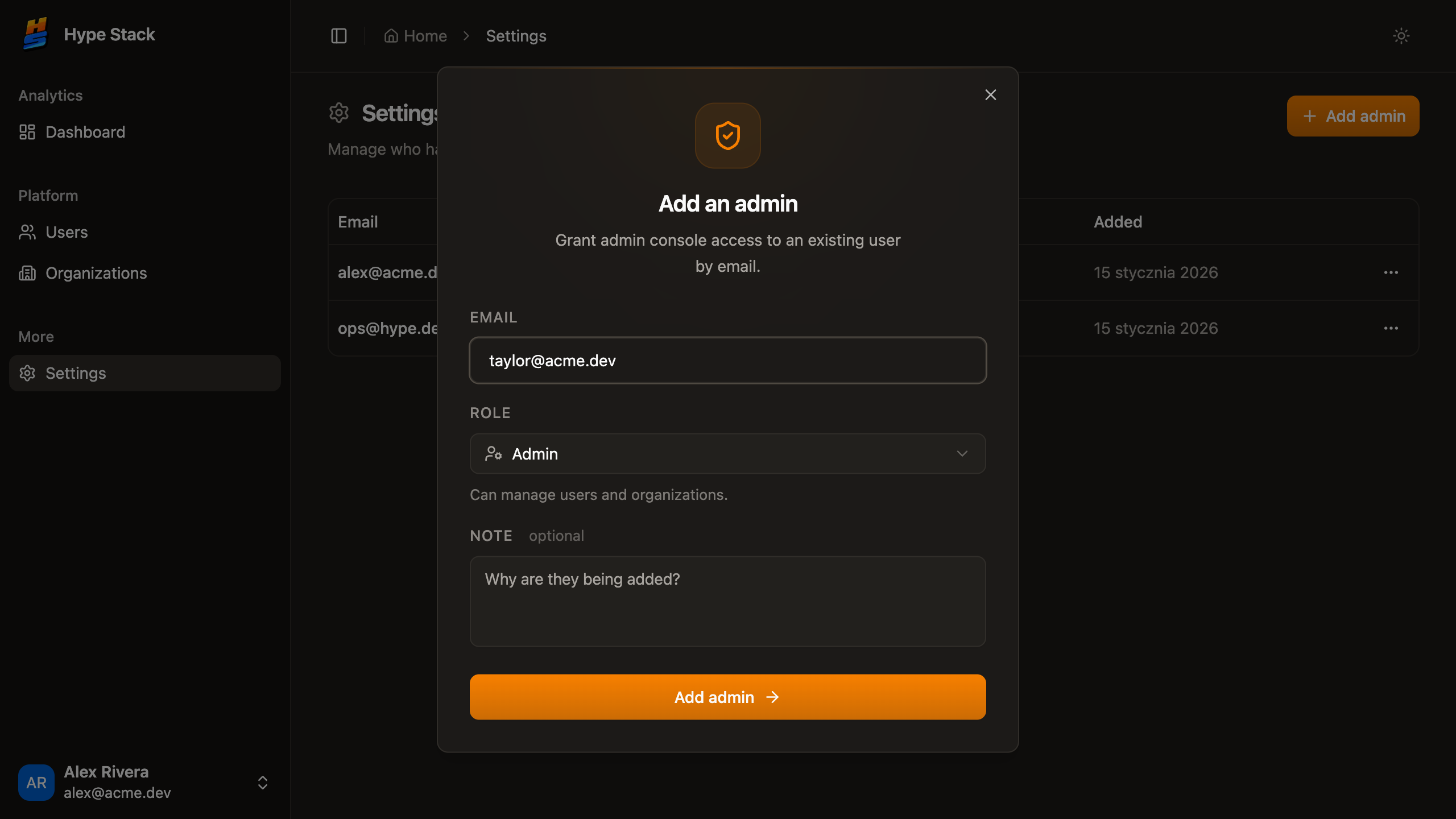
A product, an admin panel, and an API that already know about each other, booted by one command. When you need billing or notifications later, a pack drops the next piece into the same repo.
Frontend
React 19 · TanStack
Backend
Hono · Postgres
Admin
Own login · widgets
The next one
billing · notifications · packs
one Postgres · one set of types
3+ months
Of screens and plumbing, already built
Onboarding, members, invitations, and the admin panel behind them. The part of a build customers never see.
100%
everything in your repo
no platform, no export
Of the source lands in your repo
No platform, no fees, nothing hosted by us. Walk away any time and keep everything.
3
Build targets from one codebase
Website, server-rendered app, or desktop app via Electron. Same code, your pick.
Written in plain language on purpose. Every one of them is verifiable in the public repo before you spend a cent.
One command starts all three apps
Your product, its admin panel, and the API boot together with pnpm dev, already talking to one Postgres and sharing one set of types.
Mistakes surface while typing, not in production
Types run from the database column to the button. A wrong guess is a red underline in the editor, not an incident report.
Every feature is a folder
Both sides are organized by domain, so handing work to a new developer, or an AI agent, is a folder instead of a tour.
You can read every line before you spend anything
The whole starter is public on GitHub. Clone it, judge how it is put together, keep the code either way.
What the starter changes for the person paying: time, money, and the risk of a rebuild.
time
3+ months
The screens and plumbing a build spends its first months on, already in the repo.
money
$0
to start building
The starter is free and public. You pay for feature packs later, or never.
hiring
Vite
bundler
oxc
linter
tsgo
type checker
pnpm
packages
Nx
monorepo

TanStack
router
Ordinary, popular tools. The next developer you hire has used every one of them.
risk
Walk away any time. There is nothing to migrate off.
One command puts all six services live on your own hosting account. No dashboards, no YAML.
launch sequence
one command
One name, declared once in the database and inherited by every layer above it. Catching this while typing is cheaper than catching it in production.
organization.seat_limit
Postgres
the column
seat_limit integerPrisma
the schema
seat_limit IntKysely
the query
.select("seatLimit")Hono
the API route
c.json({ seatLimit })React
the UI
{data.seatLimit}The compiler finds every screen that breaks
Change a field and every affected query, route and component shows up as a list. Nothing waits to be discovered in production.
Refactors stop being scary
Rename, restructure, then follow the errors to done. When the list is empty, the change is complete everywhere.
AI agents fix their own mistakes
A wrong guess fails the typecheck in seconds. The agent reads the error and corrects itself instead of shipping broken code.
Three apps that cannot drift apart
Frontend, backend and admin read the same types, so an API change never leaves one of them quietly behind.
Nobody wrote a test for any of this. It is what the compiler already does when every layer shares one set of types.
Better you read it here than find out on day two.
Feature packs. One command installs each across the stack.
Browse feature packsOrdinary choices, on purpose. Anything here, a developer you hire has already used.
React 19 and TanStack Router. Desktop from the same code.
Hono routes, Zod at the edge, Prisma and Kysely.
Own entry, own login. The free template ships the shell.
One Postgres, one Valkey, one docker compose up.
One install, one dev command, one set of types.
Current versions, pinned. Vetting this stack takes an afternoon, not a discovery phase.
The plumbing below is finished before you write a line. All of it is checkable in the public repo.
Database setup
Postgres set up and ready for development: local database, migrations, and typed queries all work out of the box.


Desktop app shell
One shell that runs in the browser and as a native window, title bar and all. Ship a downloadable app without a second codebase to maintain.

'%20d='M23.262%202.652%2012.646%2022.787a.612.612%200%200%201-1.066.004L.768%202.656a.612.612%200%200%201%20.64-.906l10.262%201.834a.612.612%200%200%200%20.216%200L21.94%201.752a.612.612%200%200%201%20.643.9z'/%3e%3cpath%20fill='url(%23vite-b)'%20d='m17.284%203.74-7.875%201.543a.317.317%200%200%200-.254.295l-.485%208.181a.317.317%200%200%200%20.388.327l2.193-.506a.317.317%200%200%201%20.378.376l-.651%203.193a.317.317%200%200%200%20.397.367l1.355-.412a.317.317%200%200%201%20.397.368l-1.035%205.005c-.05.244.275.378.412.171l.091-.142%206.422-12.815a.317.317%200%200%200-.339-.46l-2.254.435a.317.317%200%200%201-.371-.402l1.471-5.099a.317.317%200%200%200-.34-.402z'/%3e%3c/svg%3e)
SSR, CSR, or desktop
One codebase builds a static site, a server-rendered app on Nitro, or an Electron desktop app. Change targets without a rewrite.
Type-safe API calls
Typed end to end with HyperFetch and Hono. Change a route and the frontend stops compiling. You catch bugs while typing, not from a user report.


Type-safe WebSockets
Every realtime event is typed end to end through HyperFetch. No guessing payload shapes, no stale event names slipping into prod.
Realtime ready on day one
Auth-aware WebSockets already wired. Live updates and collab features become an afternoon of work, not a quarter.
Every pack ships real source code: frontend, backend, and admin surfaces where the feature needs them. Add them when you need them, one command each.
Same features underneath, different starting point. Either command resolves what the packs depend on, copies the source into your repository, and merges the database schema.
A landing page, a design system, a themed layout, and the features already wired into it. Rebrand it, put your product in the middle, ship.
$ hype-stack compose
Your design and your choices, without rebuilding auth, billing, or notifications. Tick the packs you want and the CLI wires them into the open-source starter.
Clone it, run it, see if you like how it is put together. Packs come later, or never.
free / public / your repo